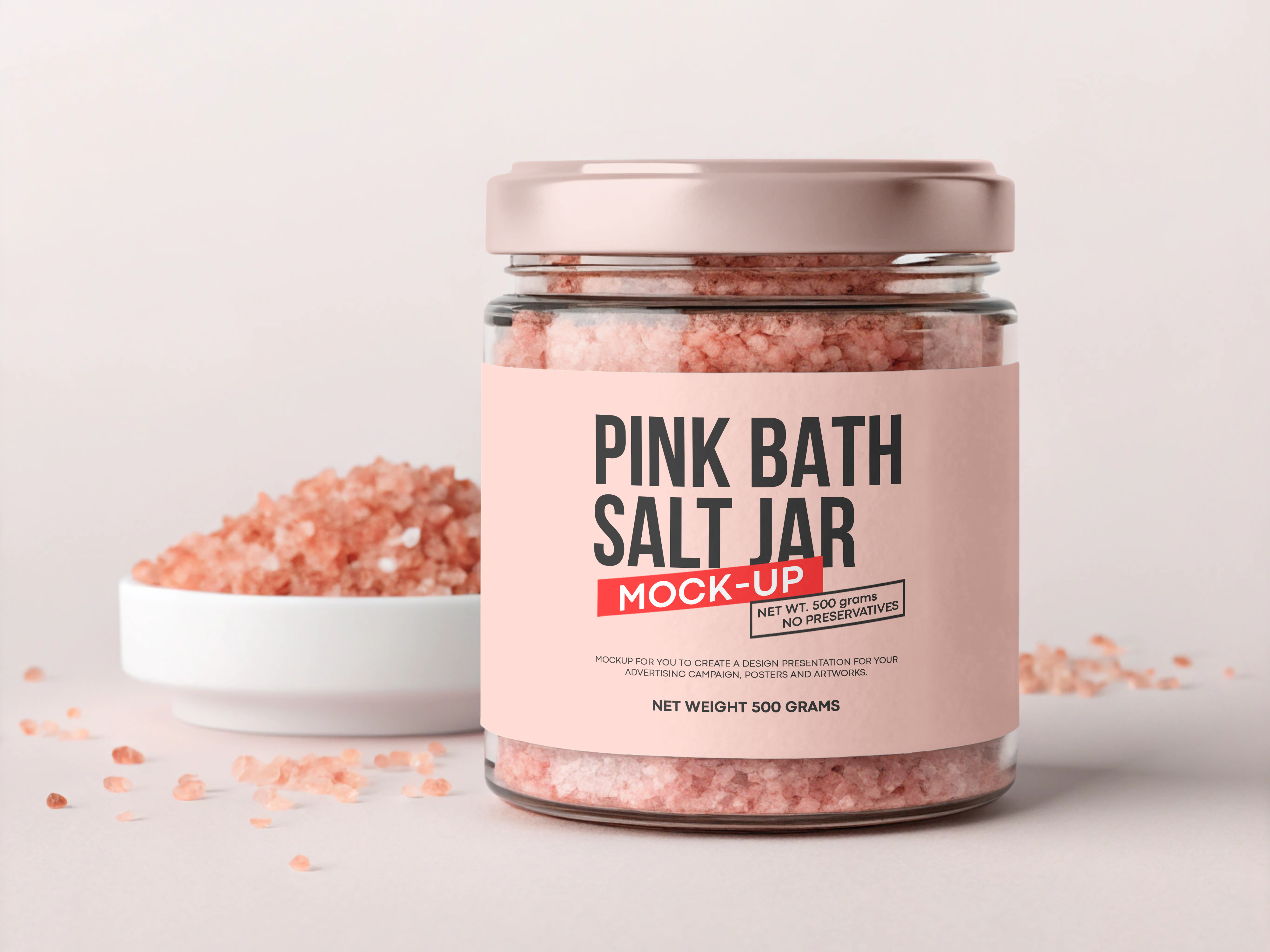
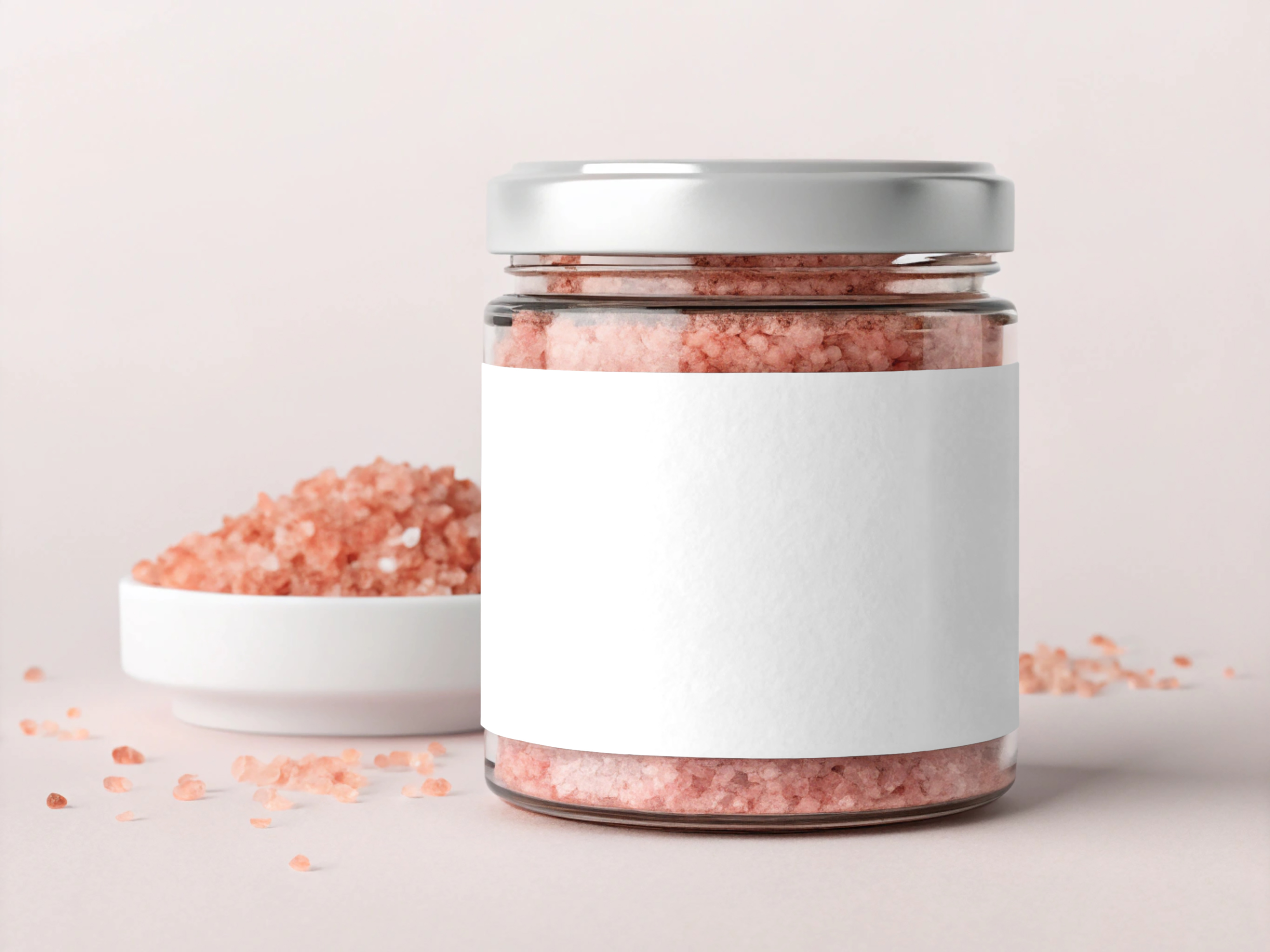
Description
How to use Pink Bath Salt Jar Mockup: Step 1: Download the Mockup file, and open with Photoshop software. Step 2: Ones the file is open, you will see layers panel on your right. Look for a Smart object layer. Step 3: Double click on the small icon visible on that layer’s icon. Step 4: A new window will open. Place your design on this file and save (Ctrl+S / Cmnd+S)
Additional
- 4000× 3000 px – 300 dpi
- Easy to cahnge the cap color and label as well
- Insert easily your design with smart objects
- Mock-up – 1 Photoshop PSD file
Download Options
Join Pro Membership and access all the resources and unlimited downloads.
Share Resource
Related Resources
You might also like these hand-picked assets from the same category.
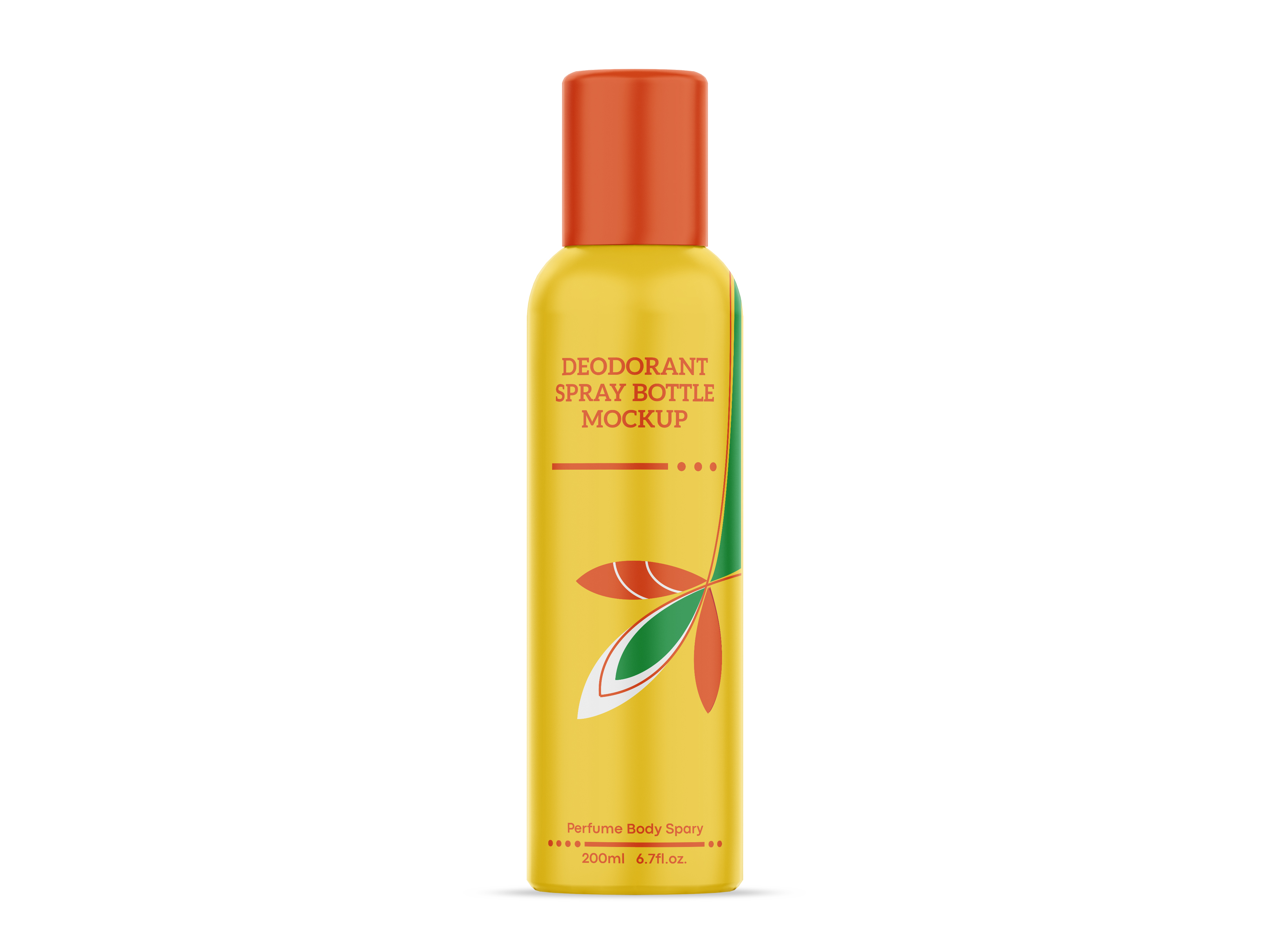
Deodorant Spray Bottle Mockup
Freeby Devashish Rawat
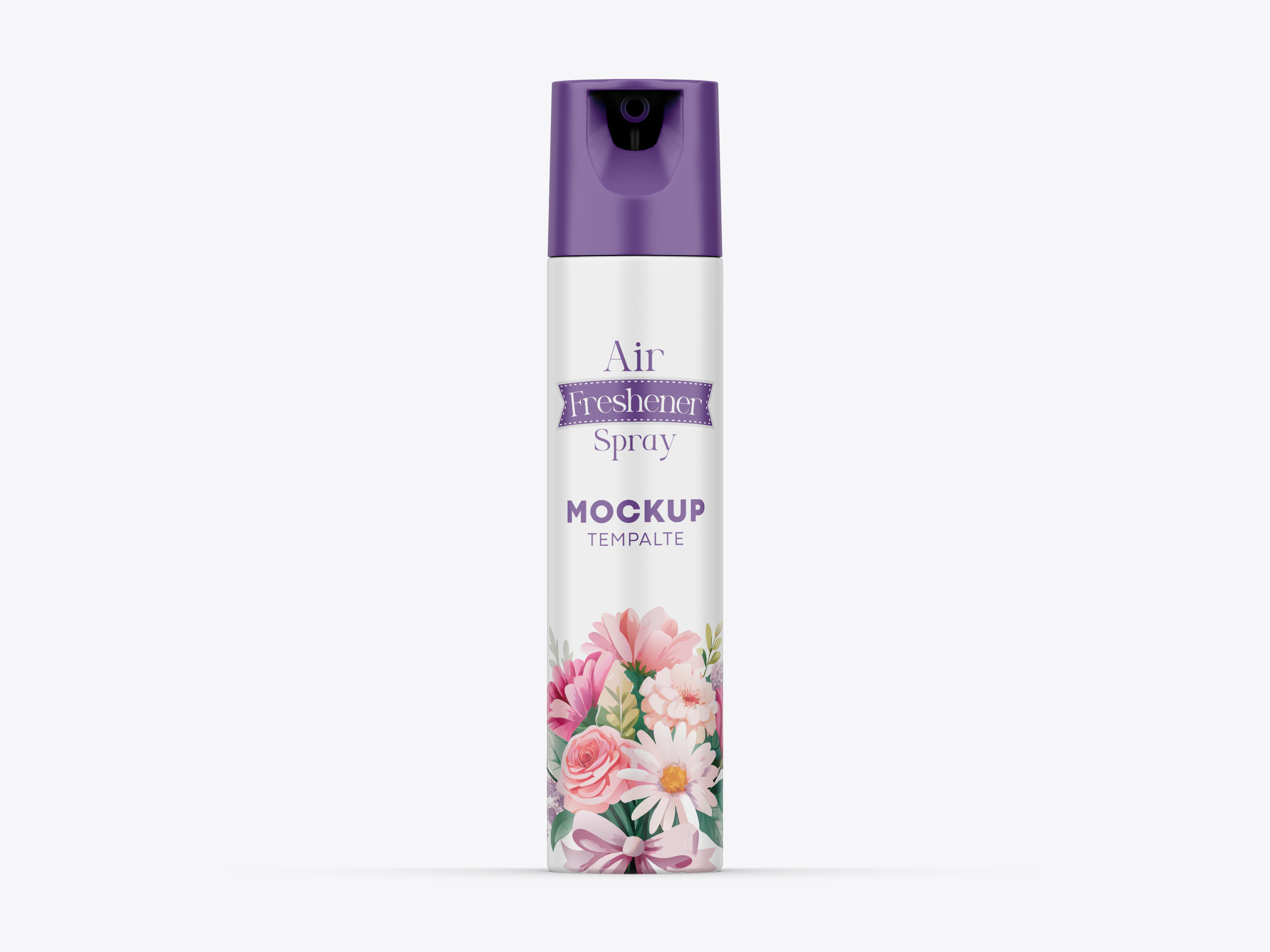
Room Freshener Spray Mockup
Freeby Devashish Rawat
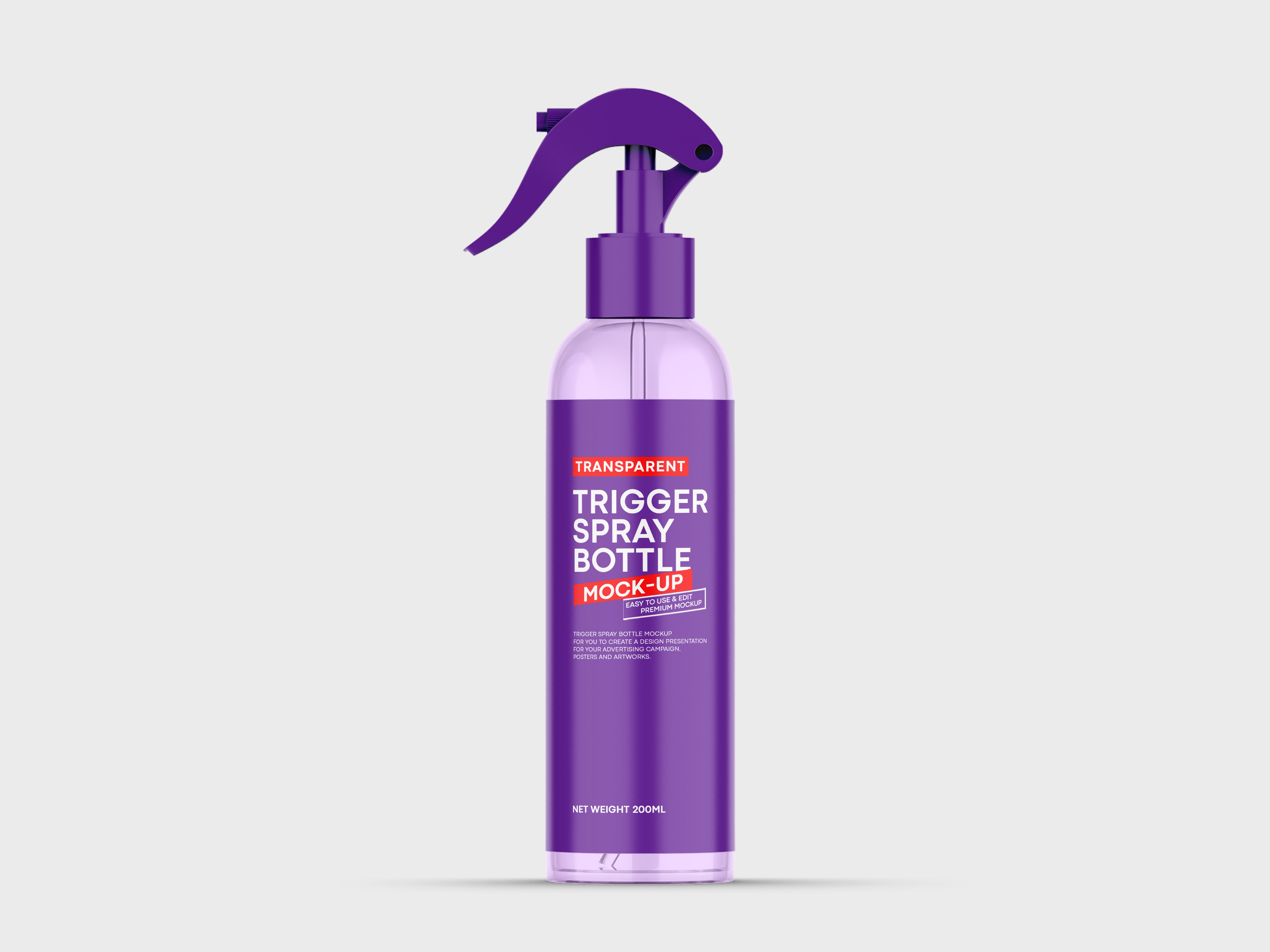
Transparent Trigger Spray Bottle Mockup
Freeby Devashish Rawat
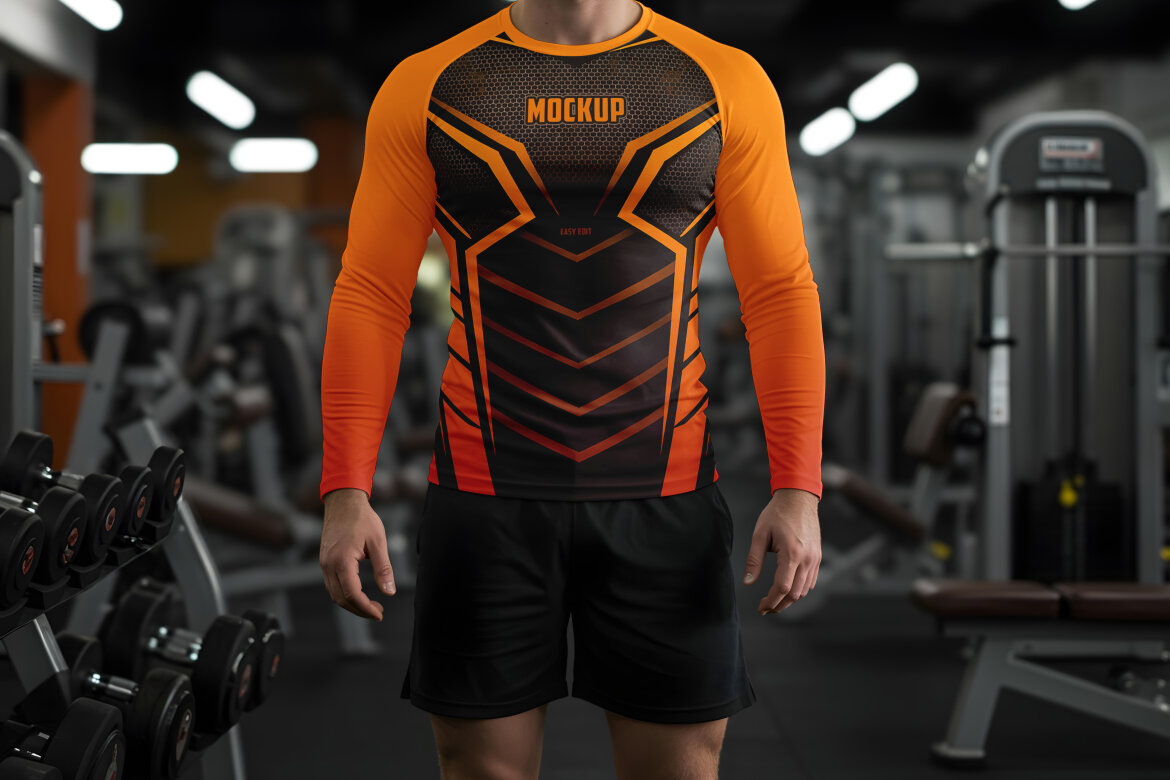
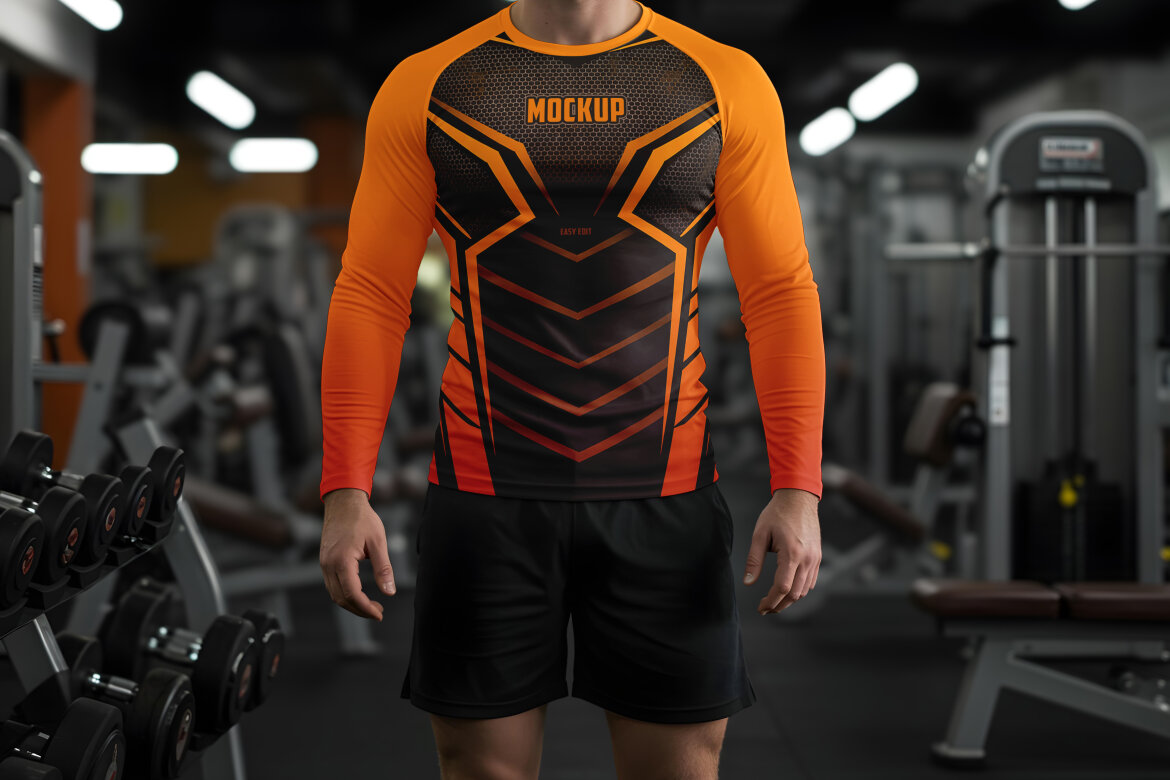
Featured
Men’s Stretch Long Sleeve - Free Mockup
Freeby Country4k
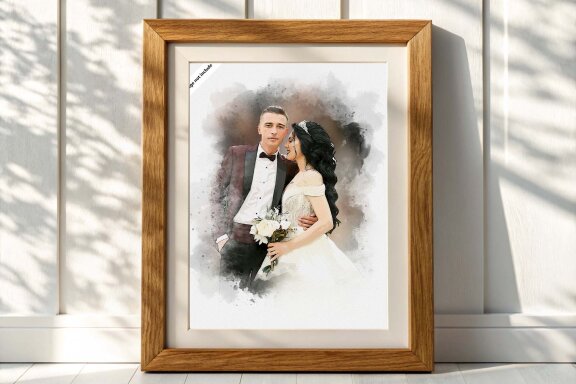

Featured
Soft Watercolor Brush FREE Paint Effect
Freeby Md Khokon
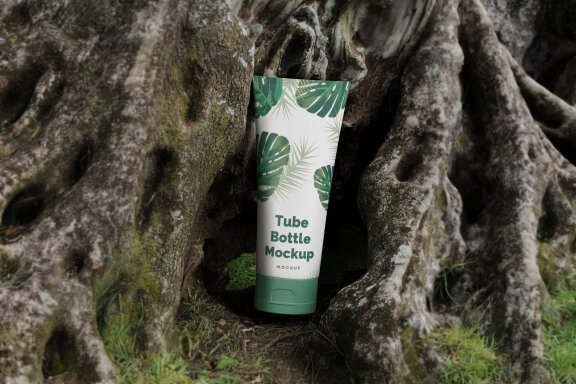
Featured
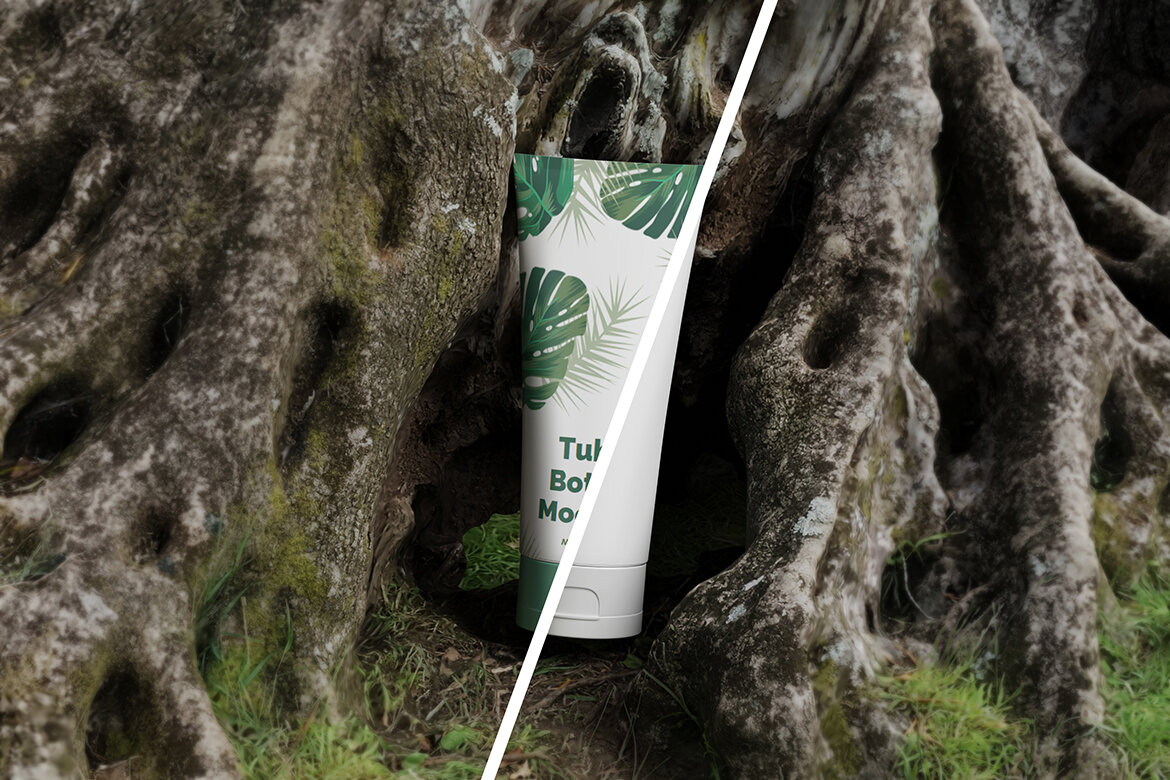
Tube Cosmetic Bottle FREE Mockup
Freeby My Code Std
Featured
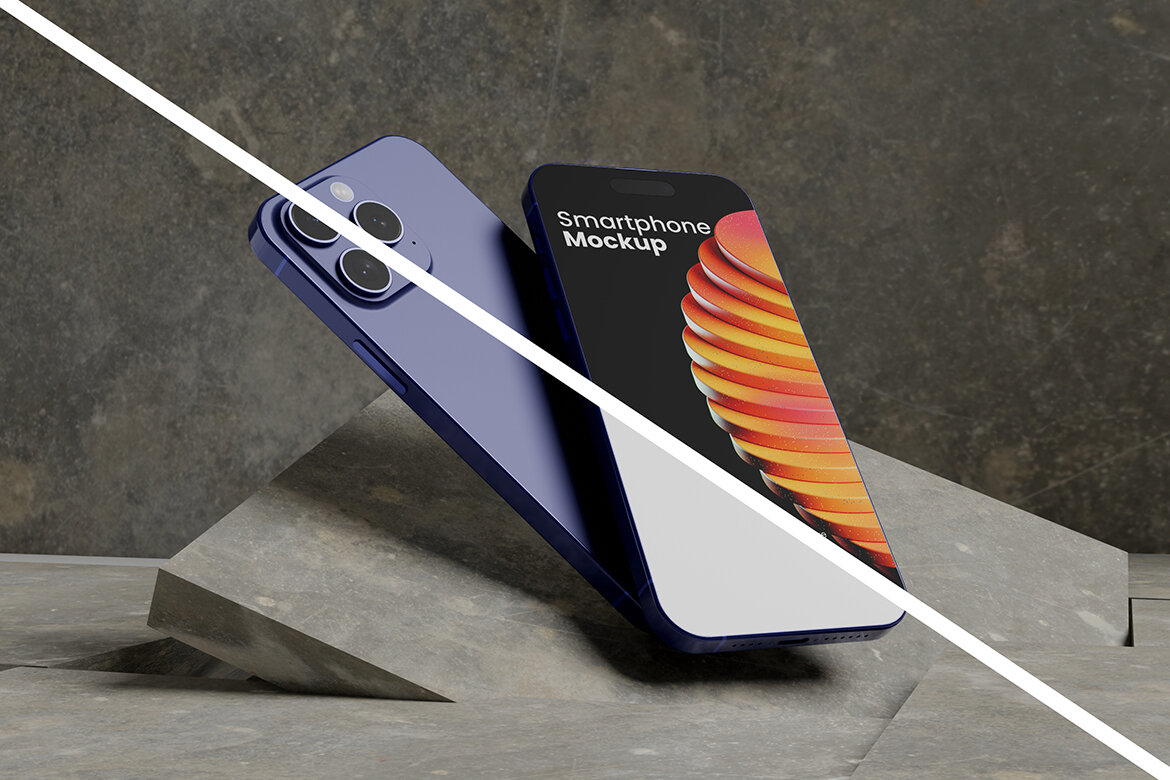
Industrial Smartphone FREE Mockup
Freeby My Code Std


Featured
Soccer Personalized Badge FREE Mockup
Freeby My Code Std
Featured
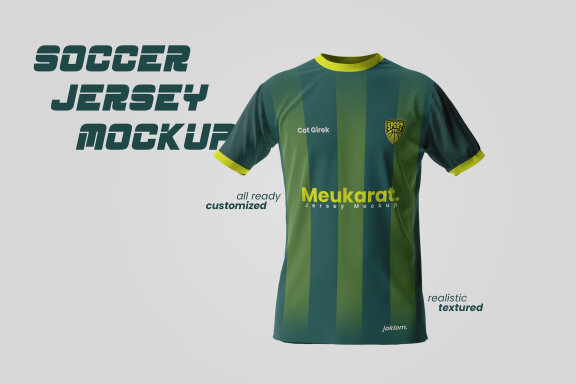
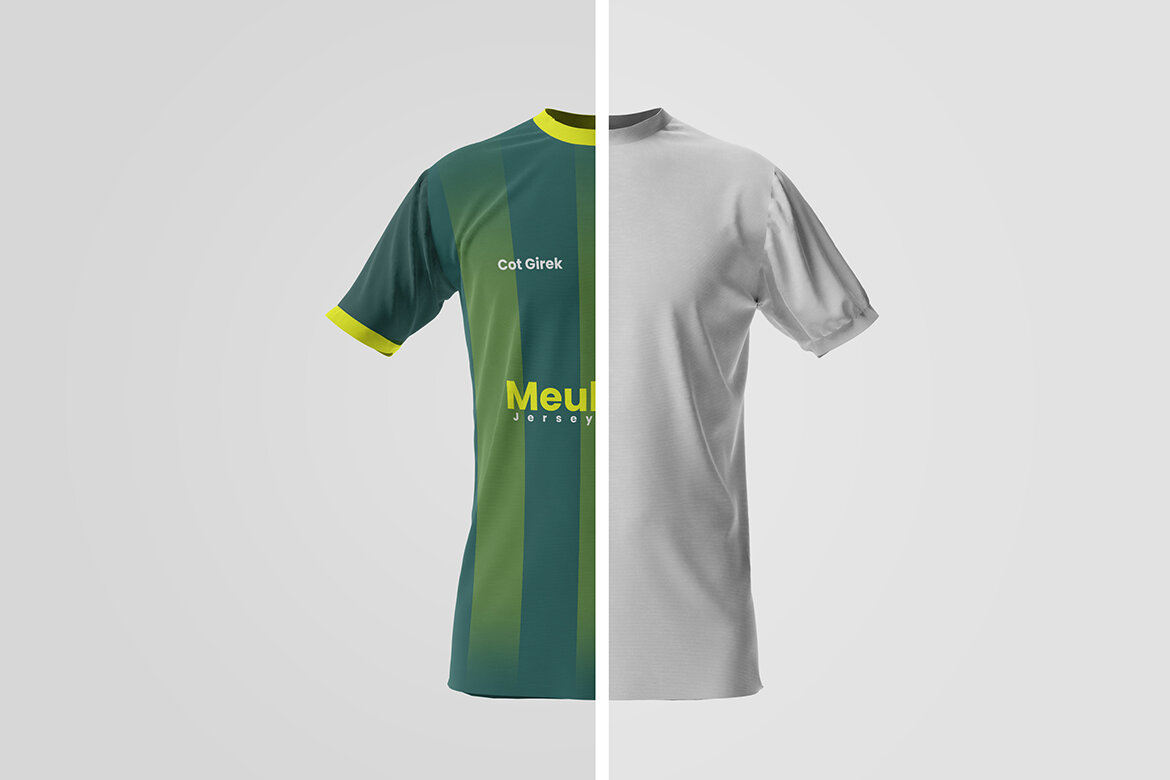
Soccer Jersey FREE Mockup
Freeby My Code Std