Description
Description
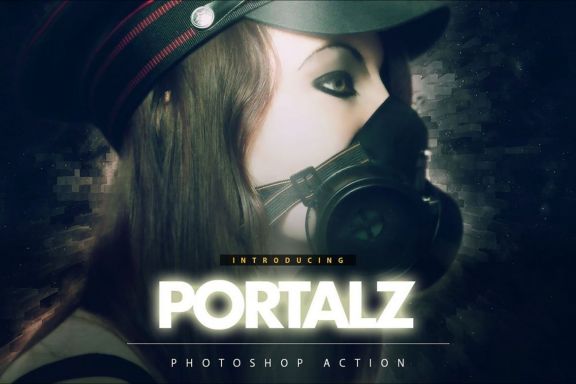
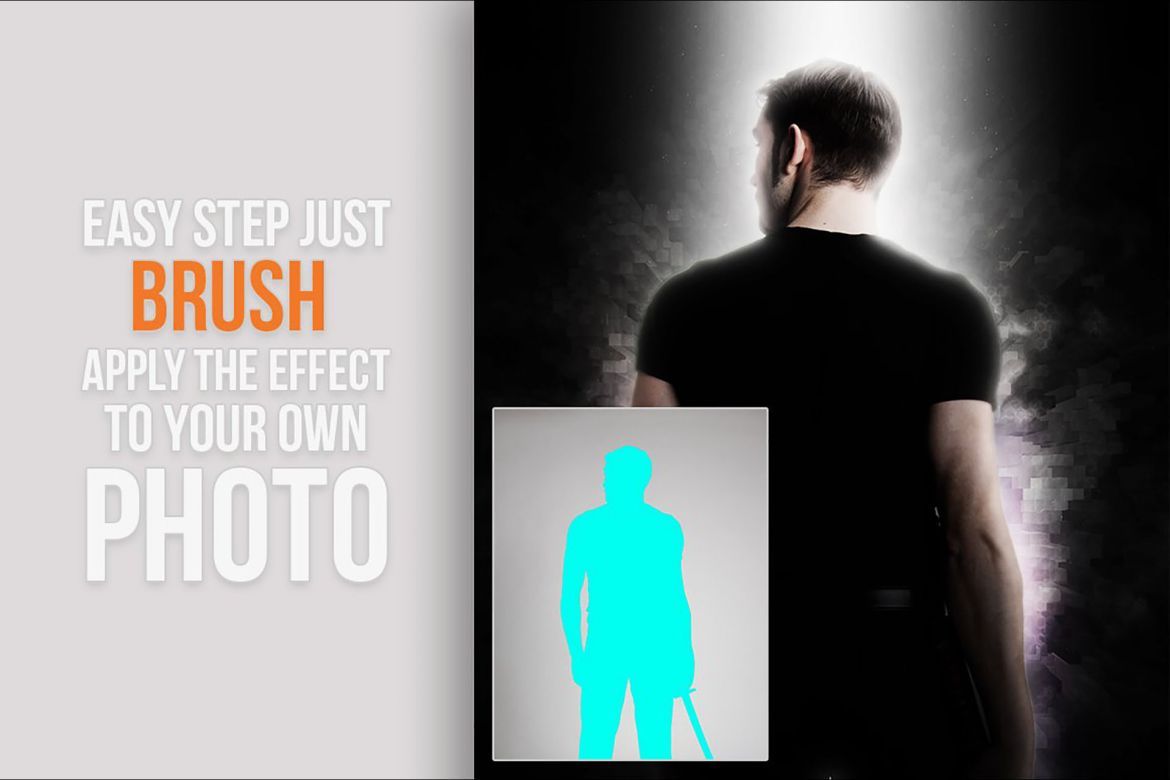
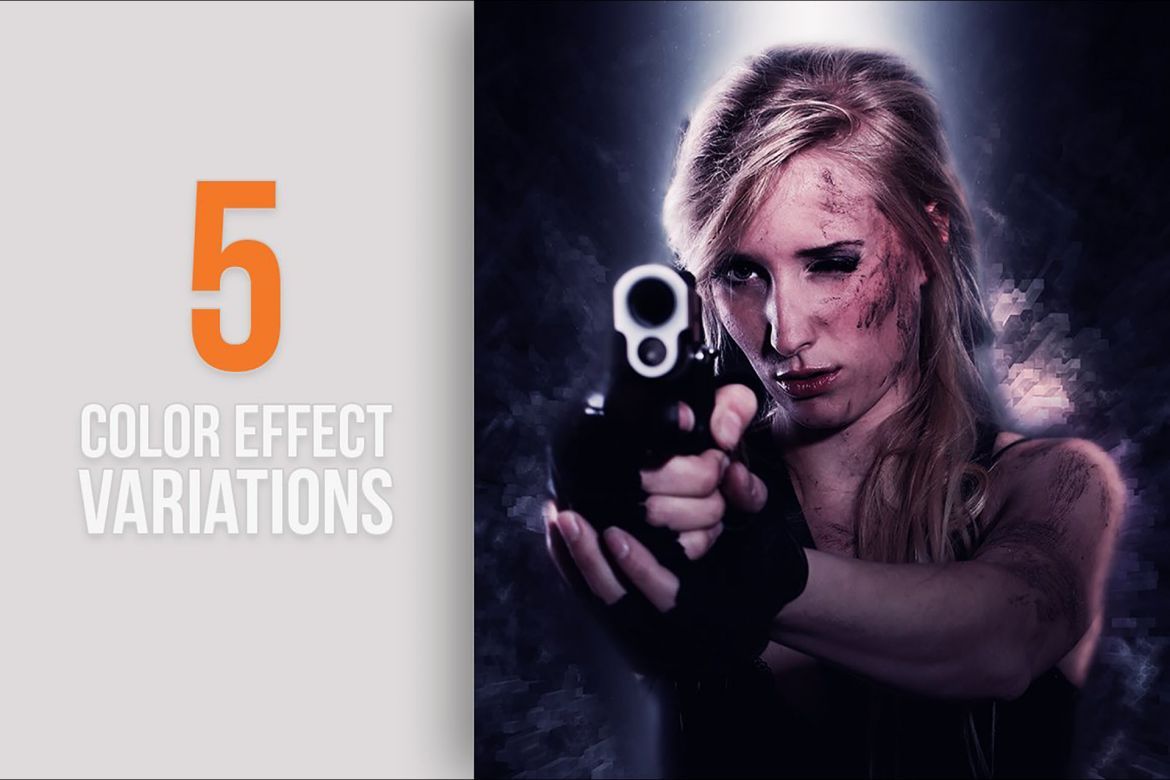
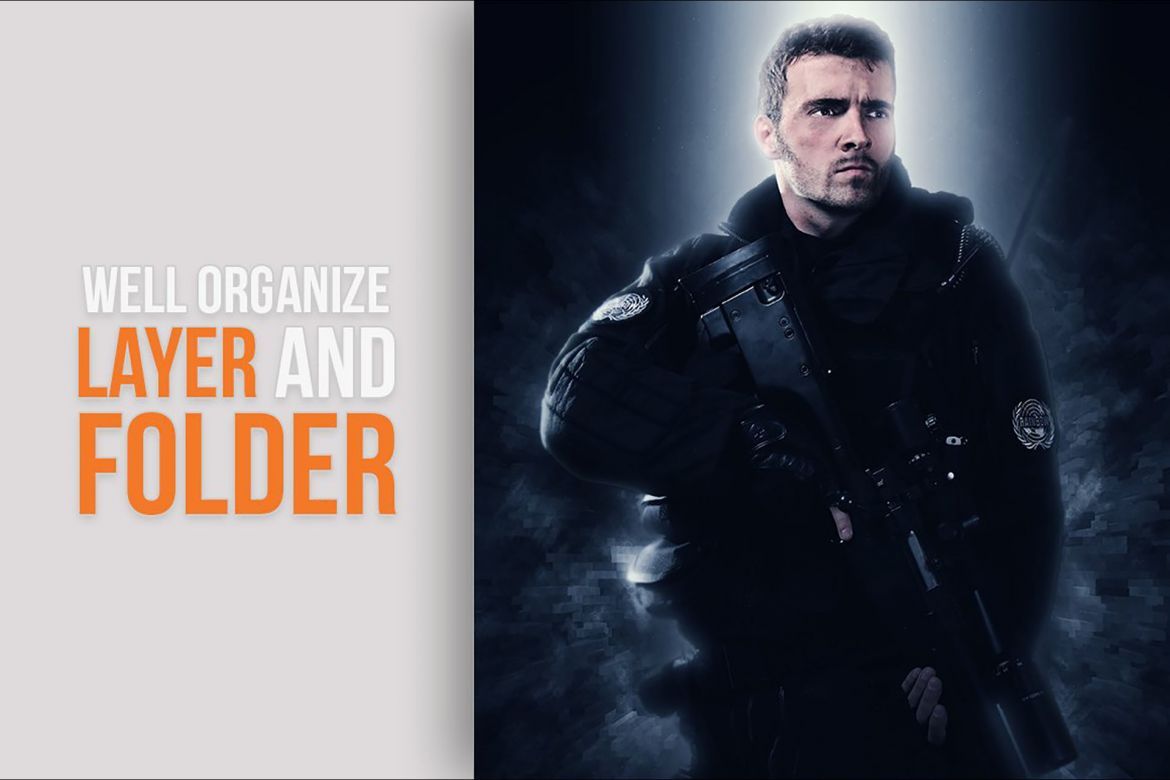
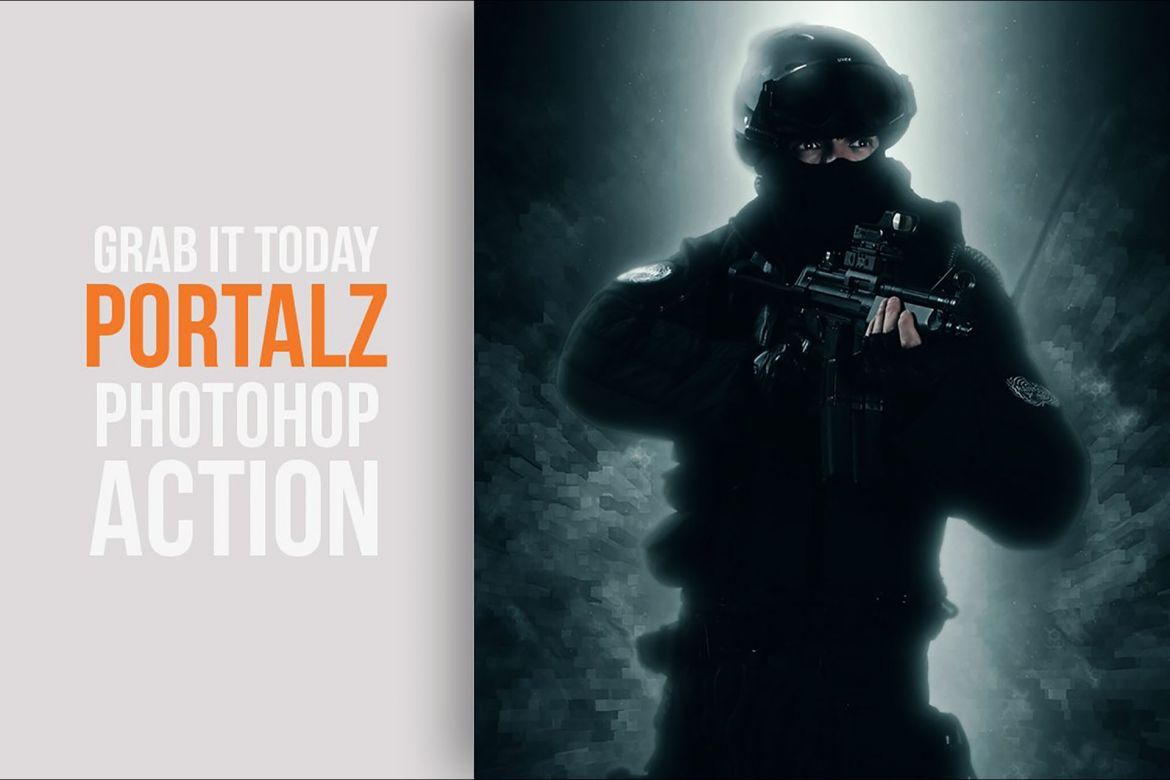
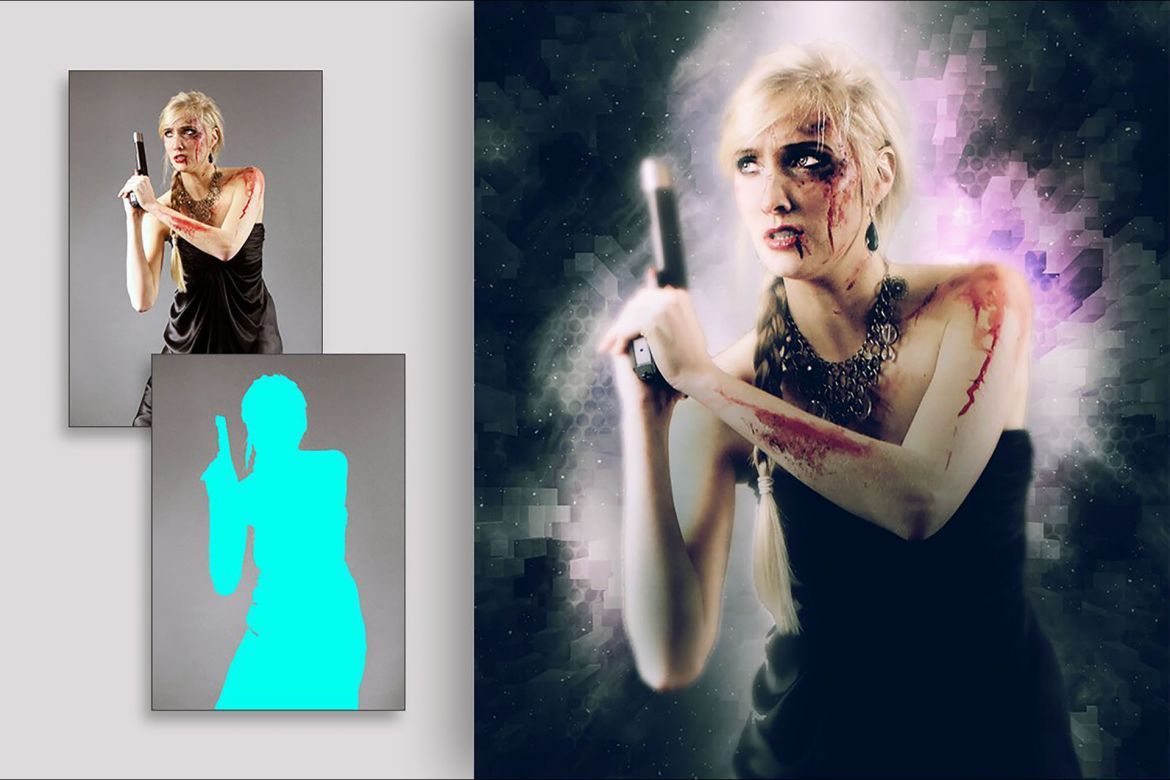
Add special effects into your photo instantly using Portalz Photoshop Action. This action will create lots more elements that can be edited manually. After this action finished you can set opacity of layer, set properties, duplicate, move etc.
Portalz photoshop action created for all users like you. You can use this action for poster, profile, cover or printing maybe. I hopefully you like this one, if you do, dont forget to rate and set to your favorite.
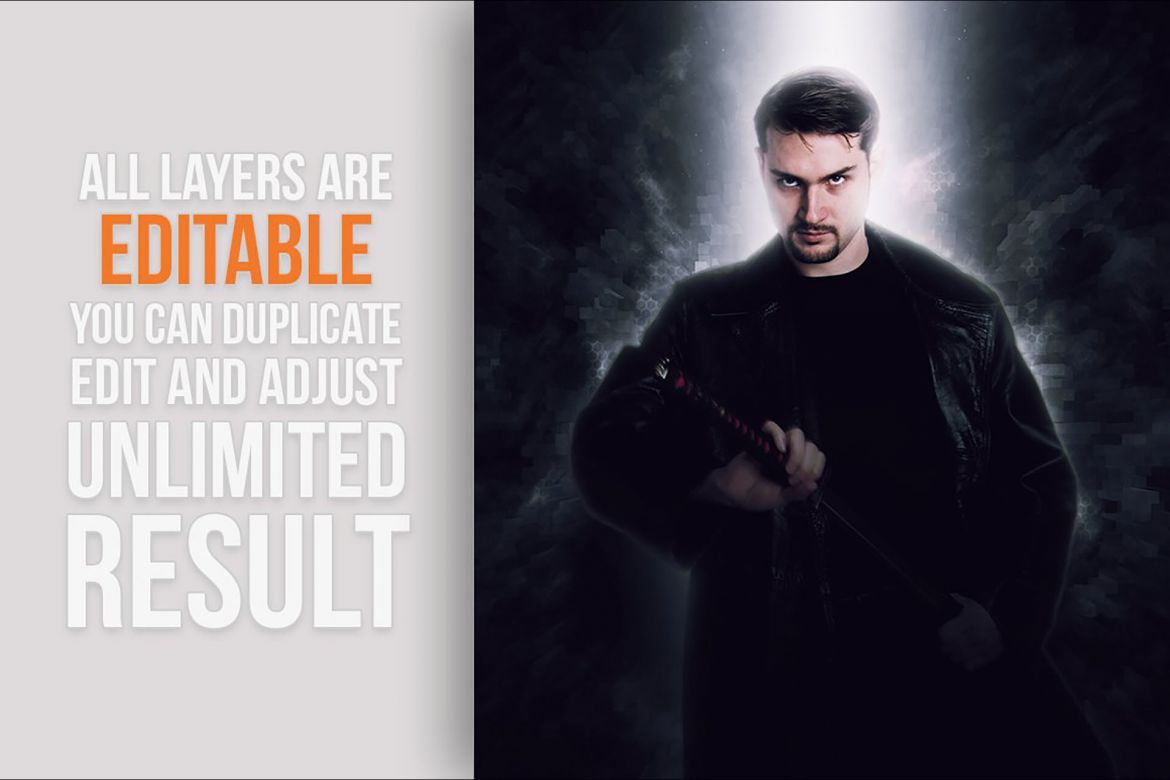
The all layers and folders are editable, it is non-destructive, support newest all photoshop version and all language.
Tutorial: https://youtu.be/ELC35BrEnek
Note
- All Images in the preview are not included at the zip file.
- For the best results, it is recommended to use high resolution photos in the range of 2500px – 3500px. The optimal range is from 2000px – 3500px. The detail and clarity in the effects generated by the actions reduce the smaller of your photo.
Action Test
Each action is through tested across between 50 - 100 different photos to ensure there are no errors. In this case where you do experience an error. Contact me via email if you area still having troubles.
Organize
After each action has finished playing, it creates a well organised layer structure. Each layer and folder are named appropriately and colors coded to create a neat working environment for you.
Not only is the layer structure organised, each action comes with a highly detailed video tutorial teaching you about how each layer affects the design and how you can make customisations to it. So you can check my youtube channel here: https://www.youtube.com/channel/UCYE6Kv3Oz9lNGRr7mGWmM_Q.
Time Saving
All my photoshop action are designed to save your hours, days, weeks or month of work. They area created in a way that booth photoshop beginners and experts can use it, saving you lots of time working on both personal or commercial projects.
Combine
If you own multiple actions, have you thought about stacking the effects to build even more advanced designs?.
Tips how to combine the actions:
- Run the first action on your photo.
- One you are happy with the design, save your image out.
- Now re-open your image and run another action!.
You can then use the second actions layer flexibility to further customise the design. You can follow this process and stack effects to build incredibly detailed designs with very little work.
Additional
- and many more…
- include meta mesh patterns
- include readme file (pdf file)
- non-destructive layer and folder
- there is video link tutorial
- well organised layer and folder
Download Options
Join Pro Membership and access all the resources and unlimited downloads.

Share Resource
Related Resources
You might also like these hand-picked assets from the same category.
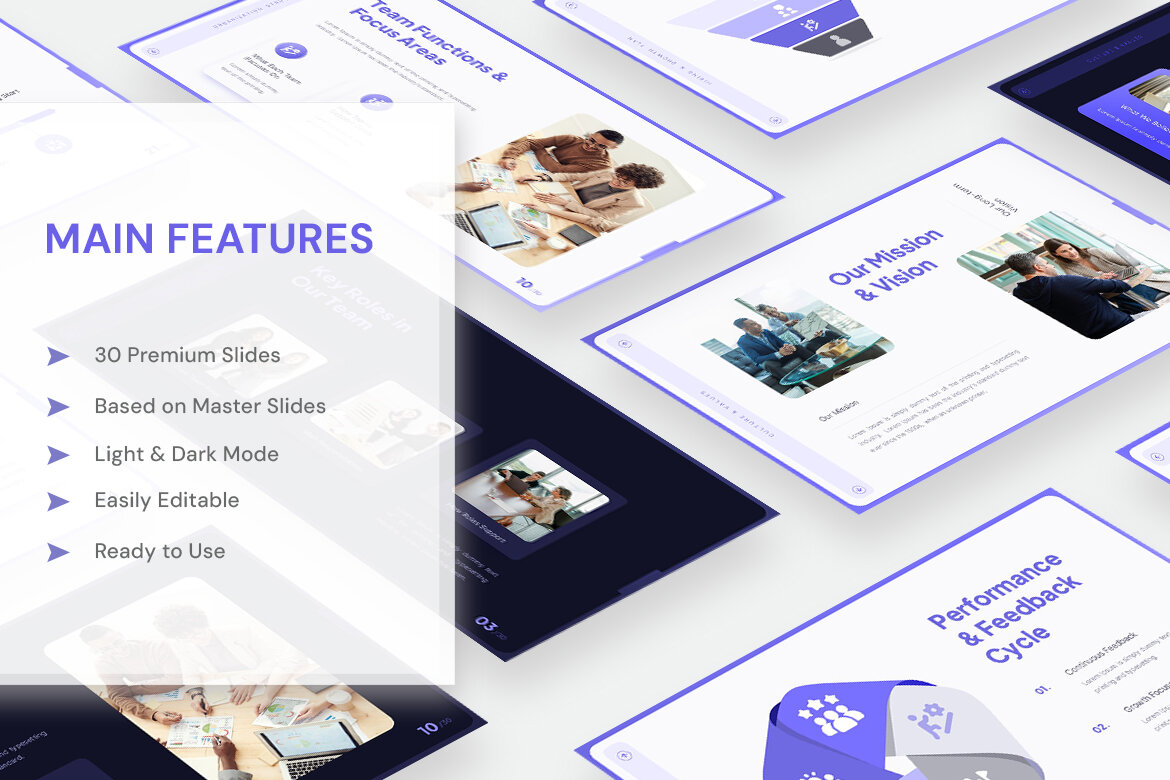
Teamframe - HR Pitch Deck Presentation
by New Coral Design
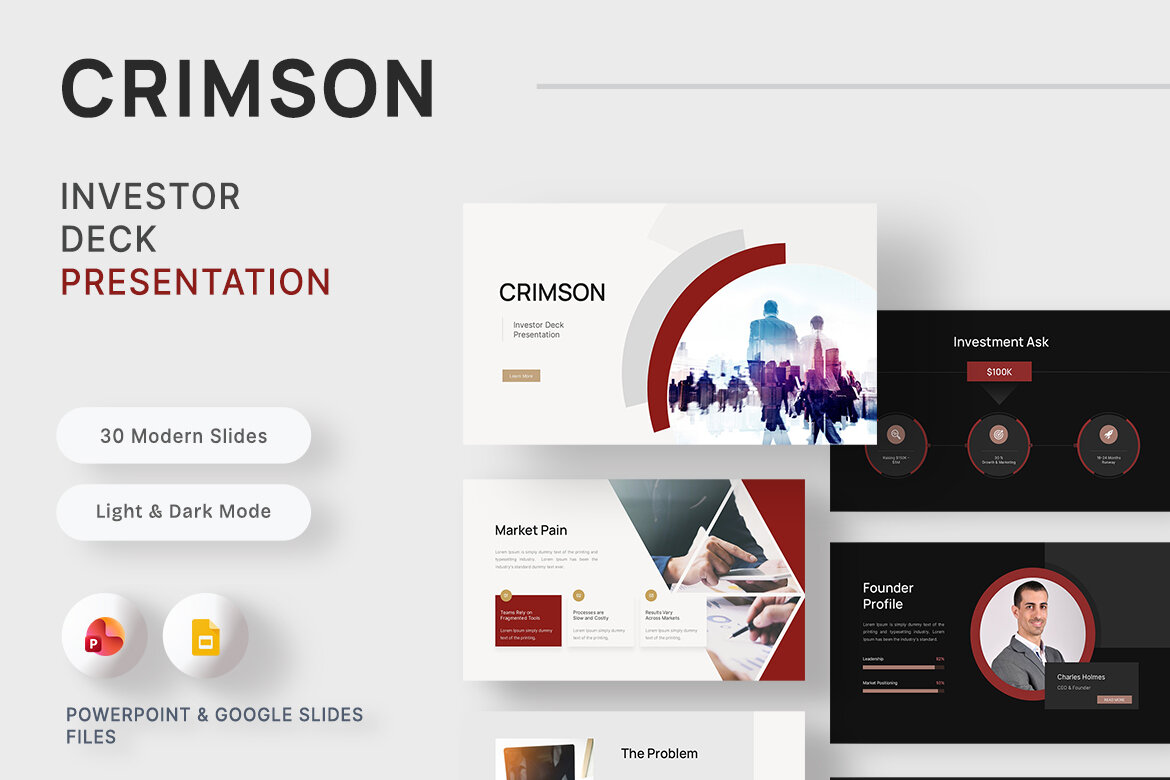
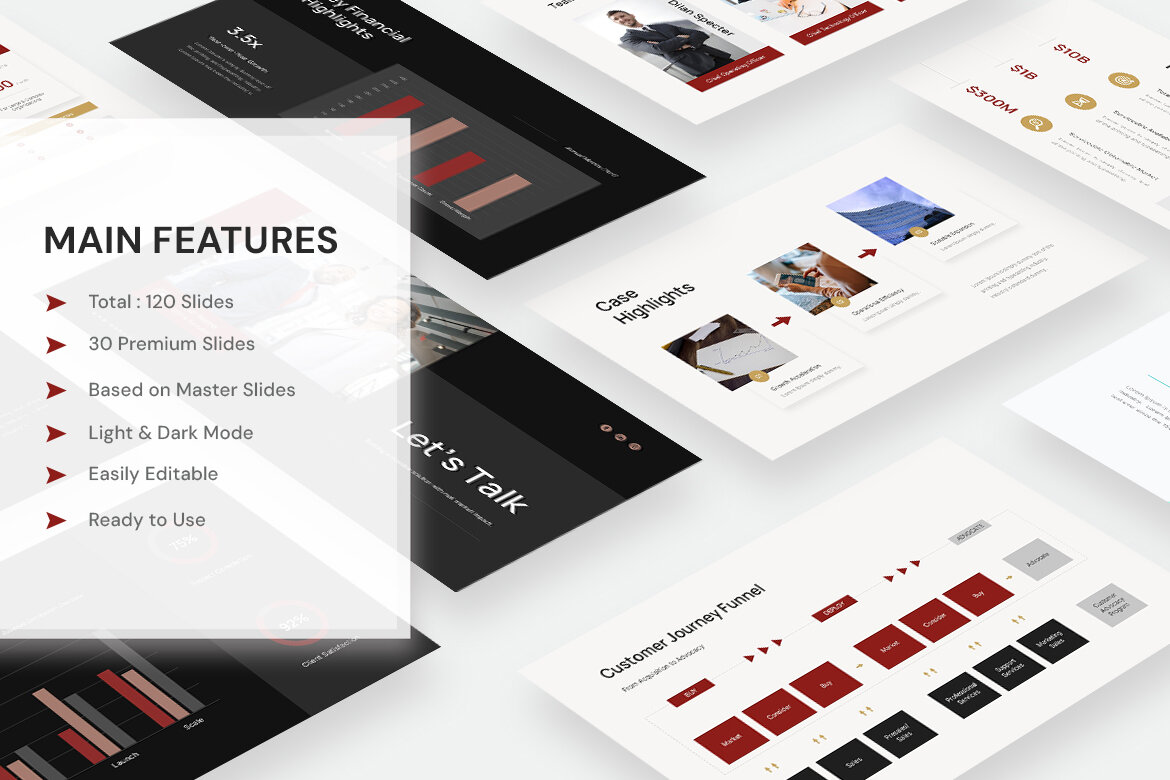
Crimson – Investor Deck Presentation
by New Coral Design

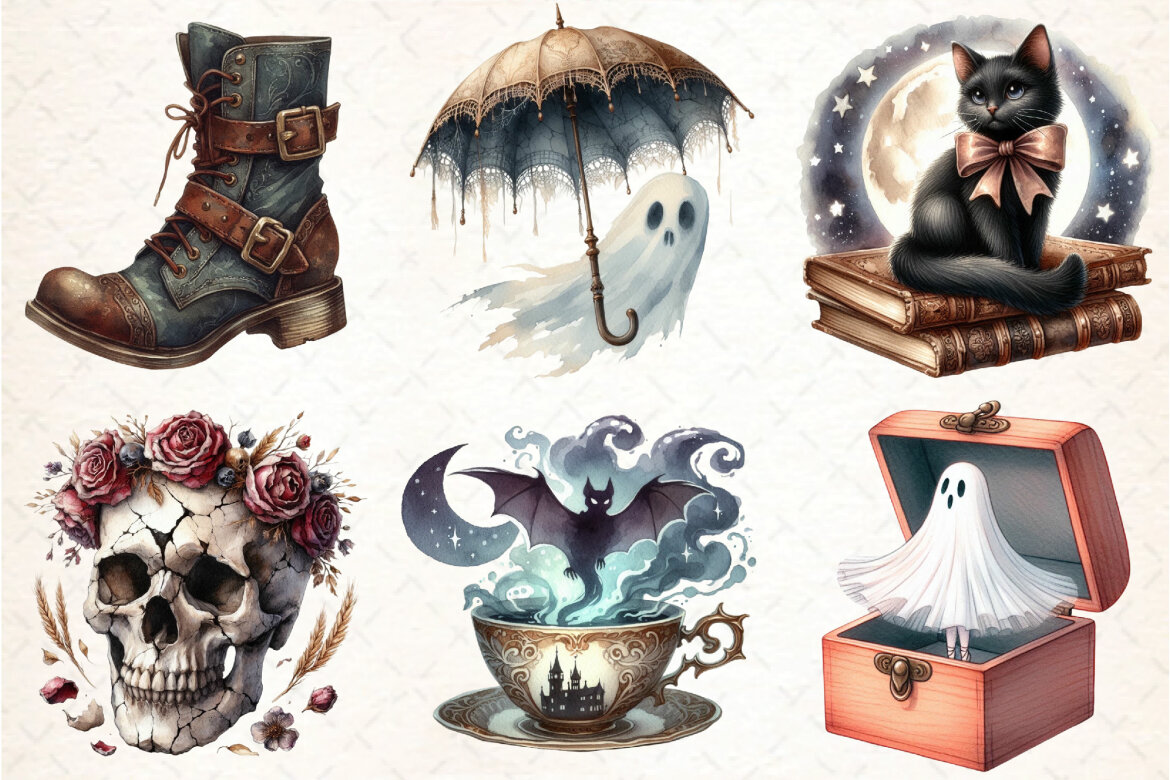
Antique Halloween FREE Sublimation Clipart
Freeby DreamCafeArt
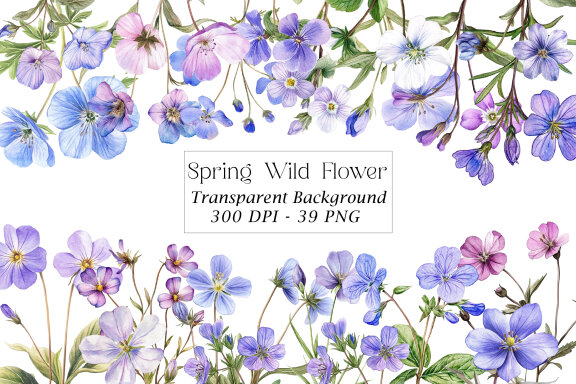
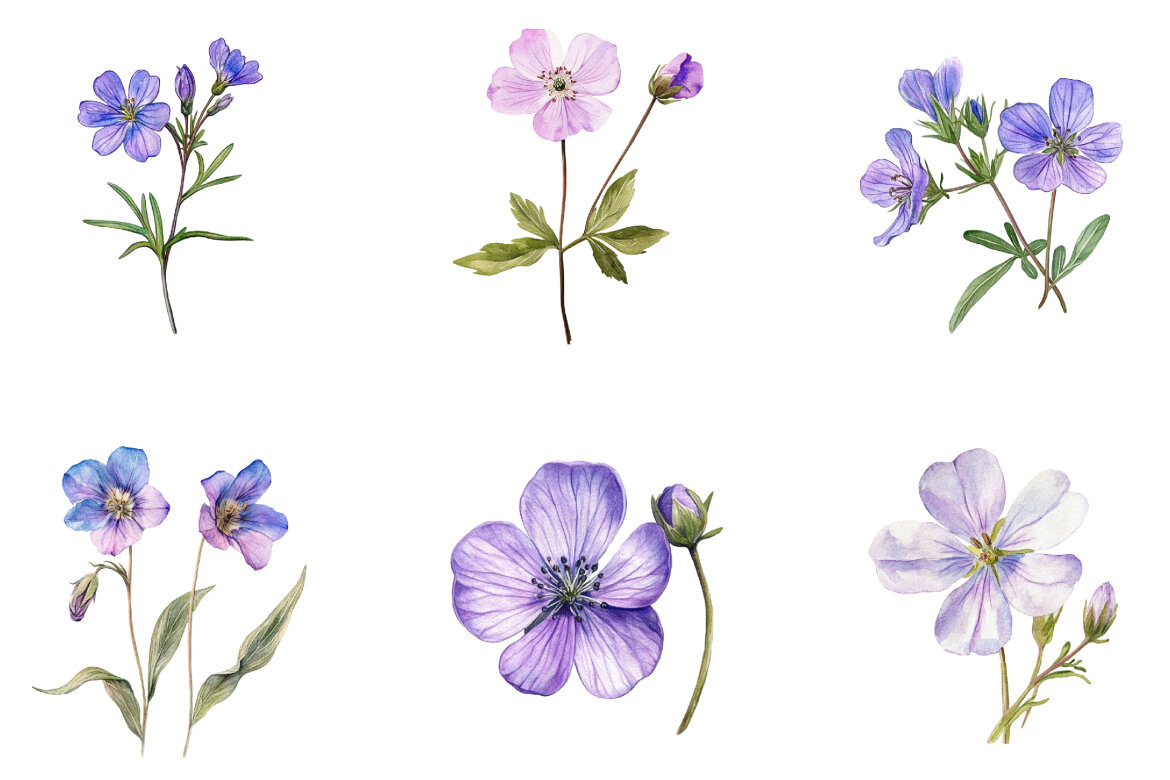
Spring Wild Flower FREE Clipart
Freeby Pixel Shop
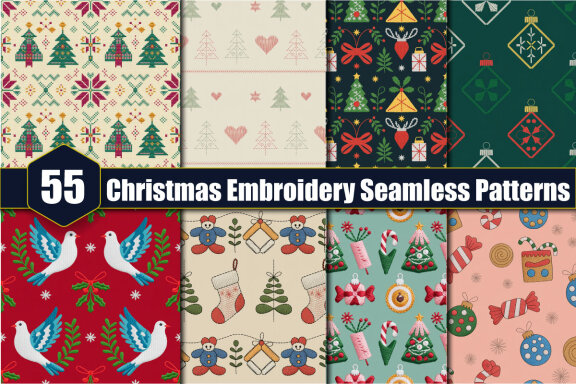
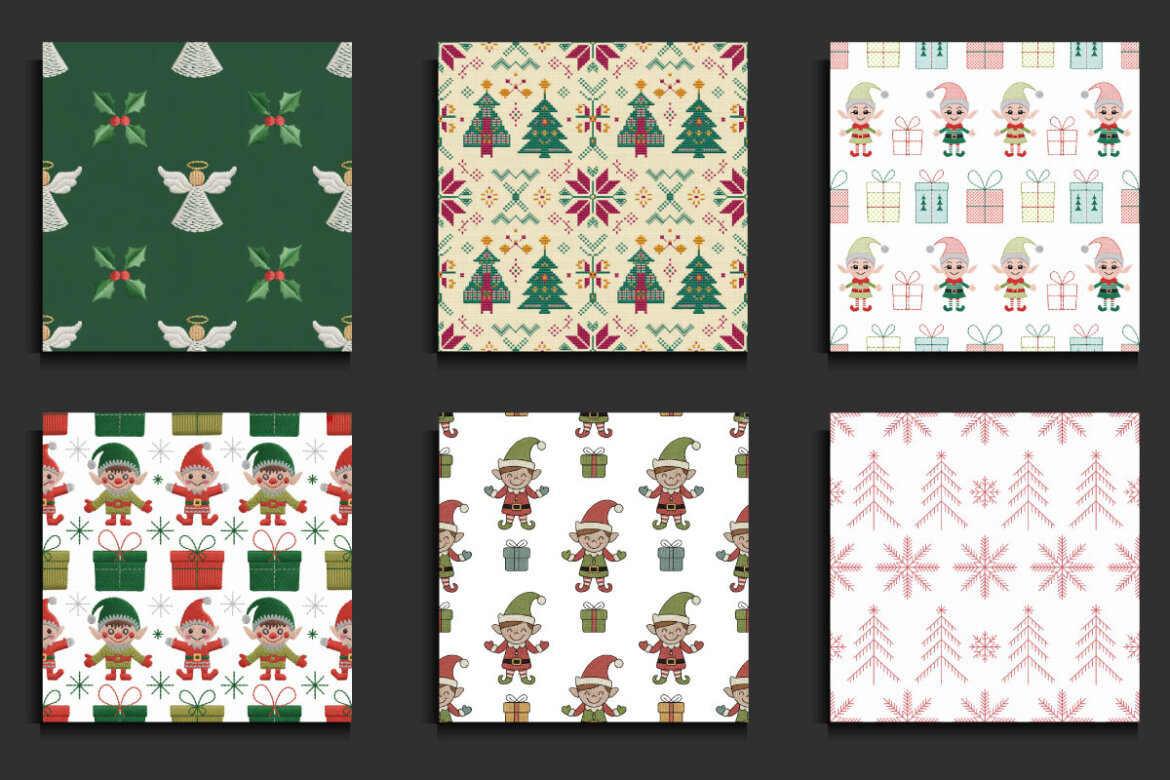
55 Christmas Embroidery FREE Seamless Patterns
Freeby protabsorkar11
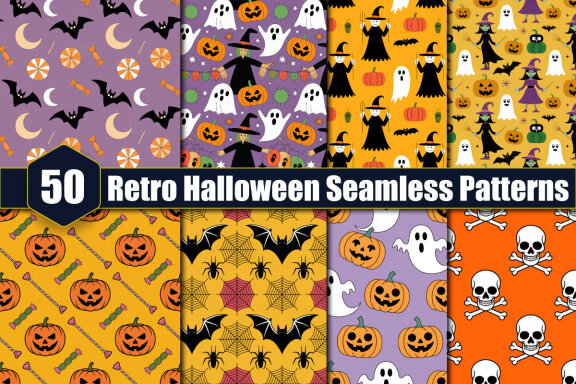
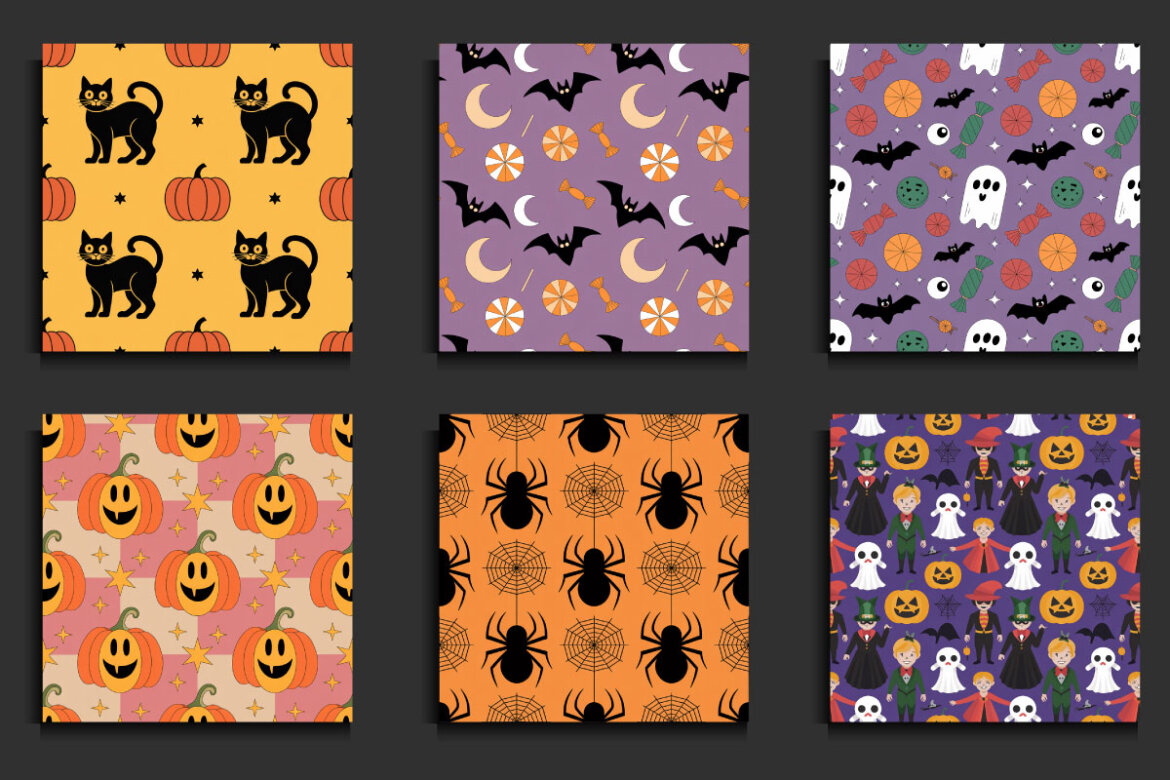
50 Retro Halloween Seamless FREE Patterns
Freeby protabsorkar11
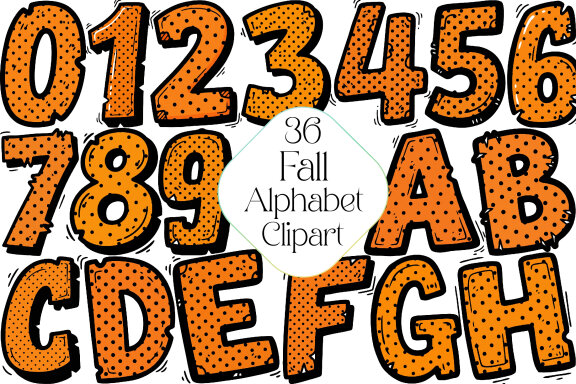
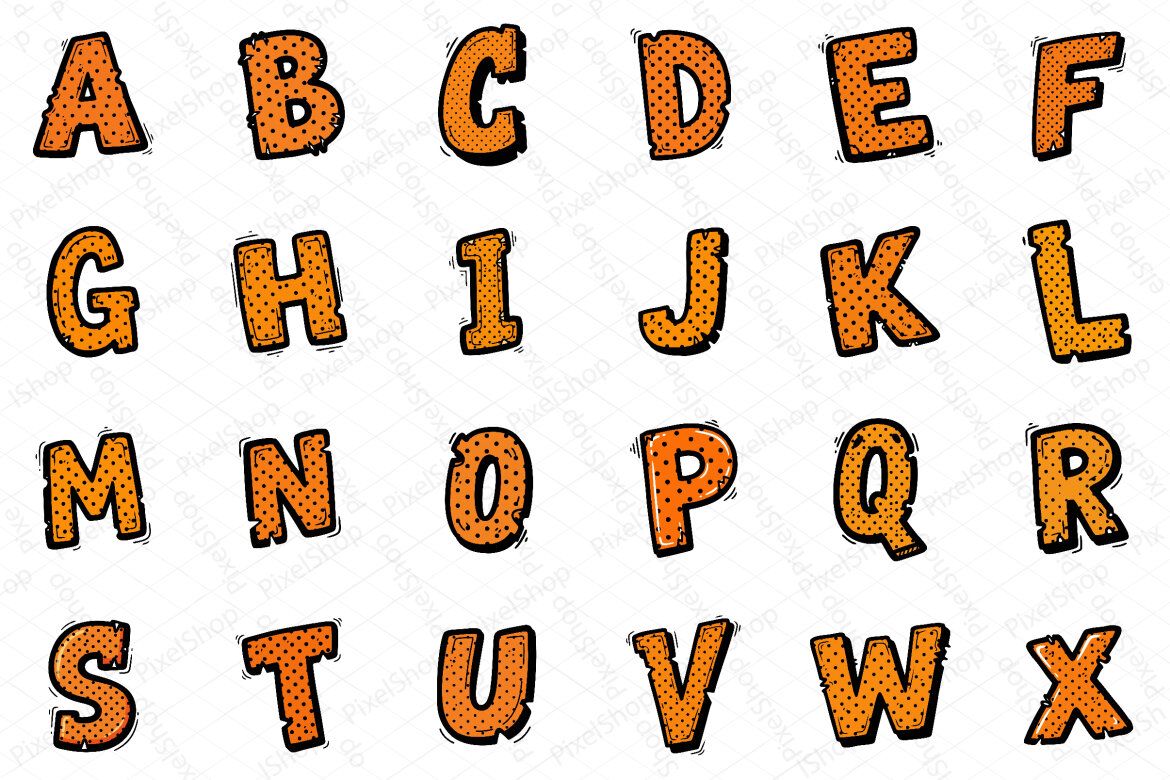
Fall Alphabet Sublimation FREE Clipart
Freeby Pixel Shop
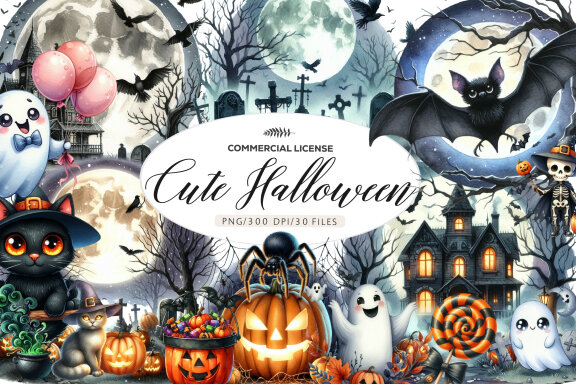
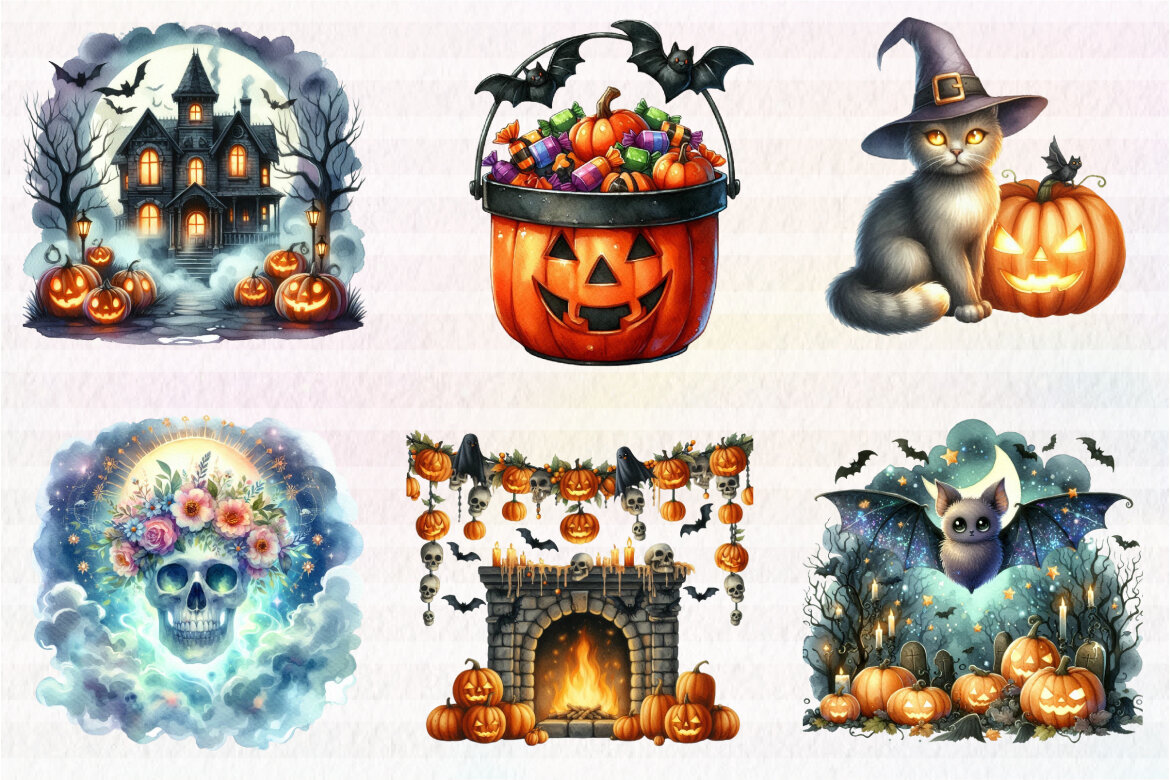
Watercolor Cute Halloween FREE Clipart
Freeby Dreamshop


Vintage Christmas Sublimation FREE Bundle
Freeby Dreamshop