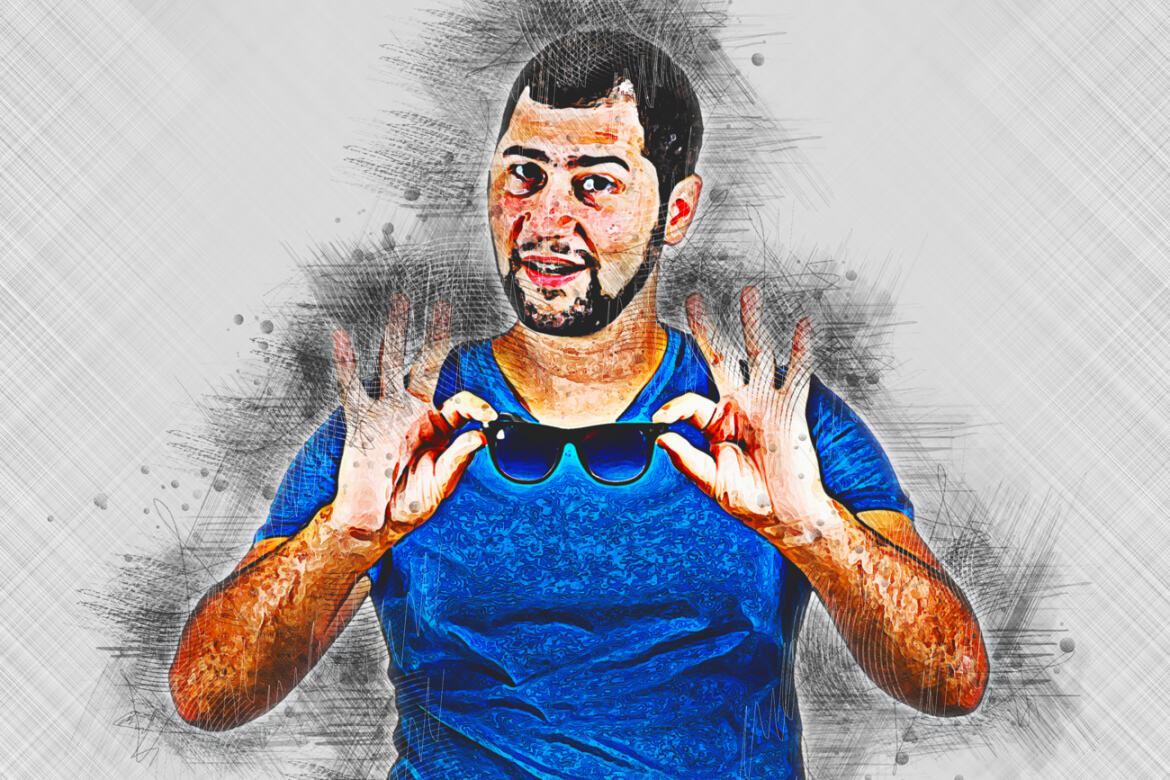
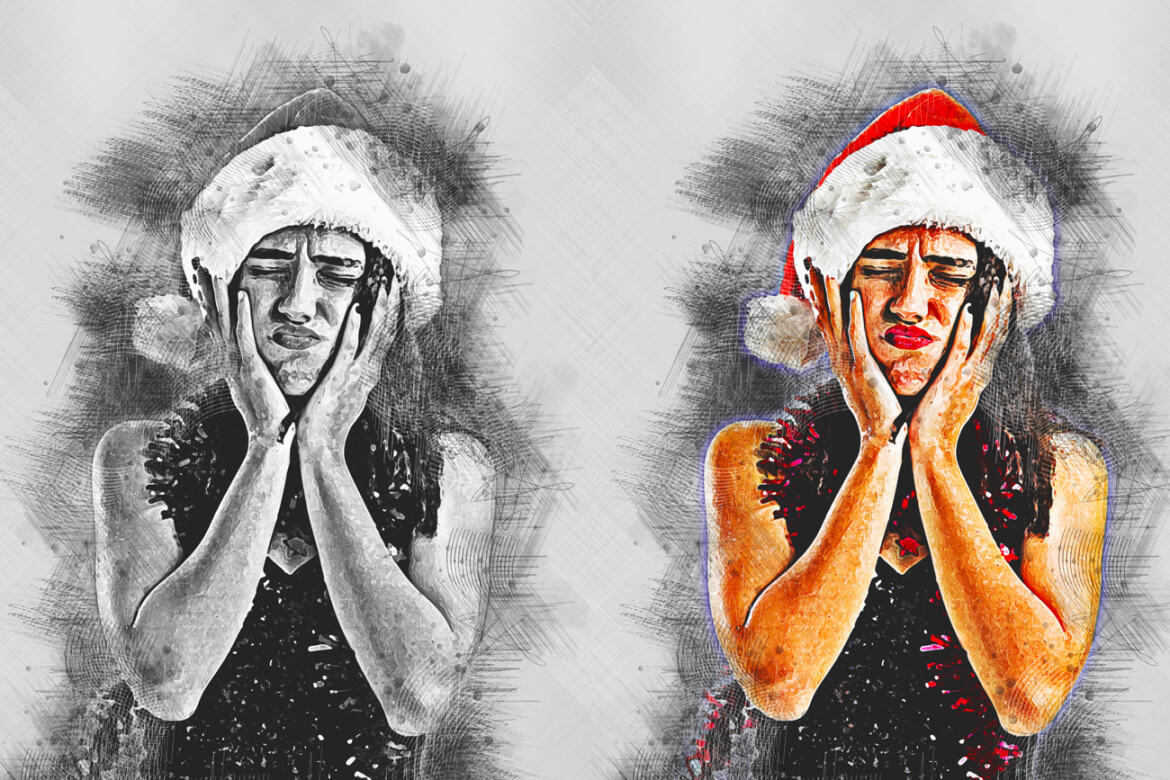
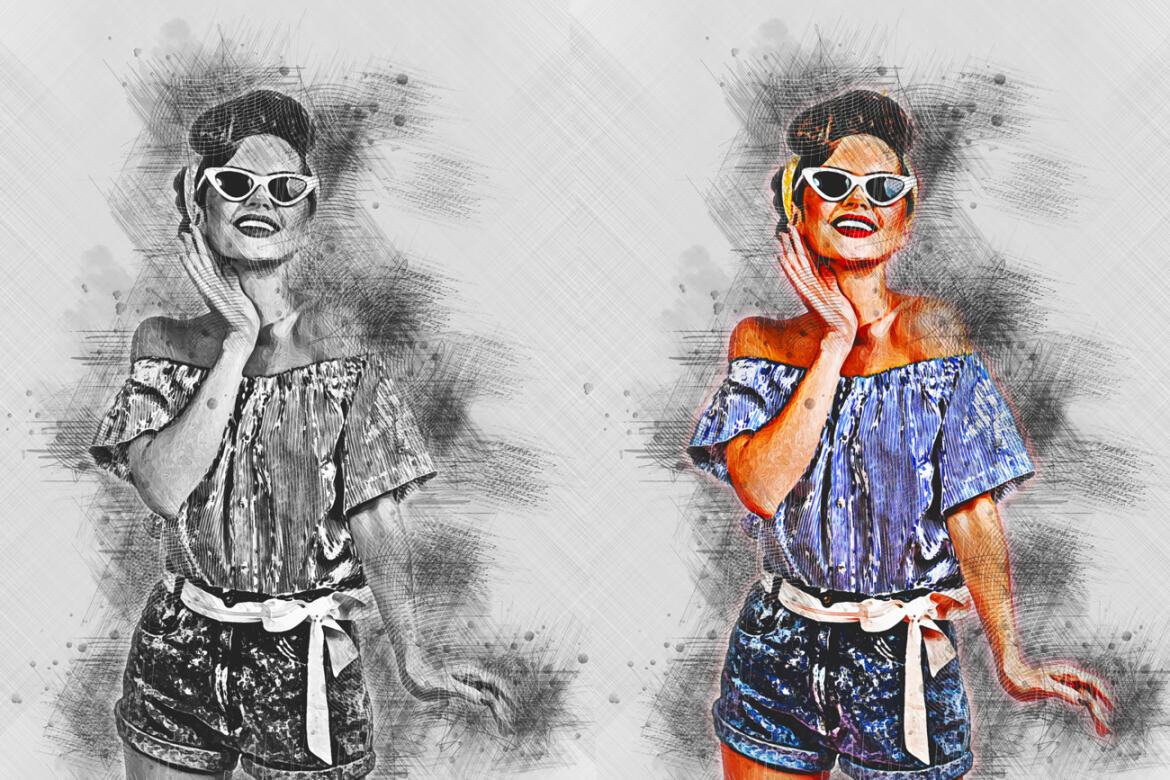
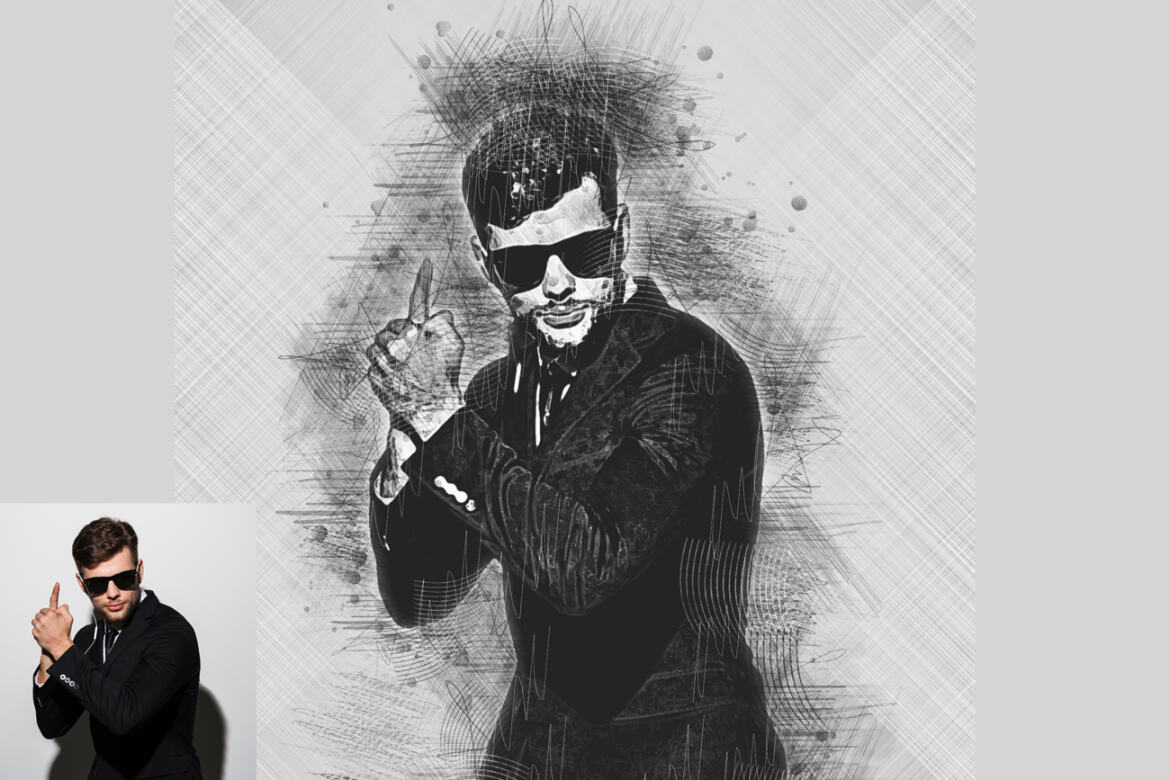
Description
Pencil Canvas Sketch Photoshop Action
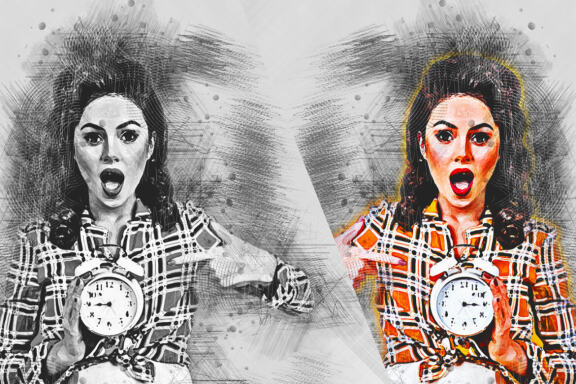
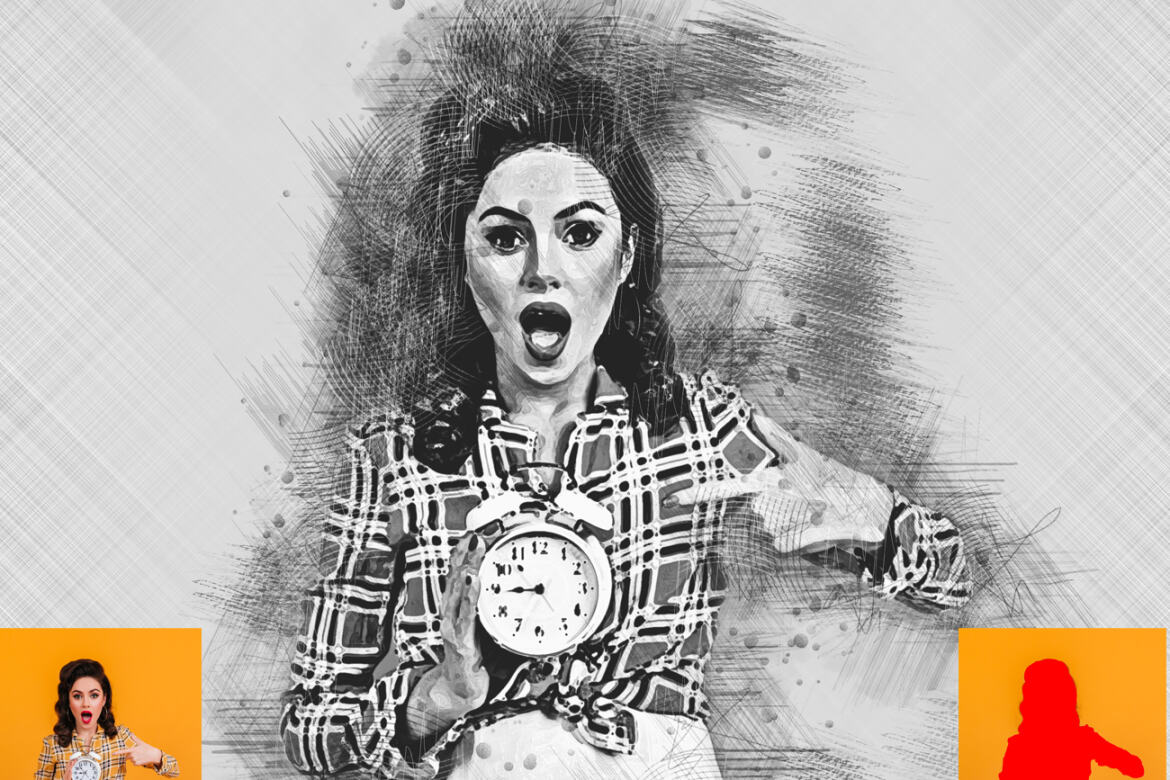
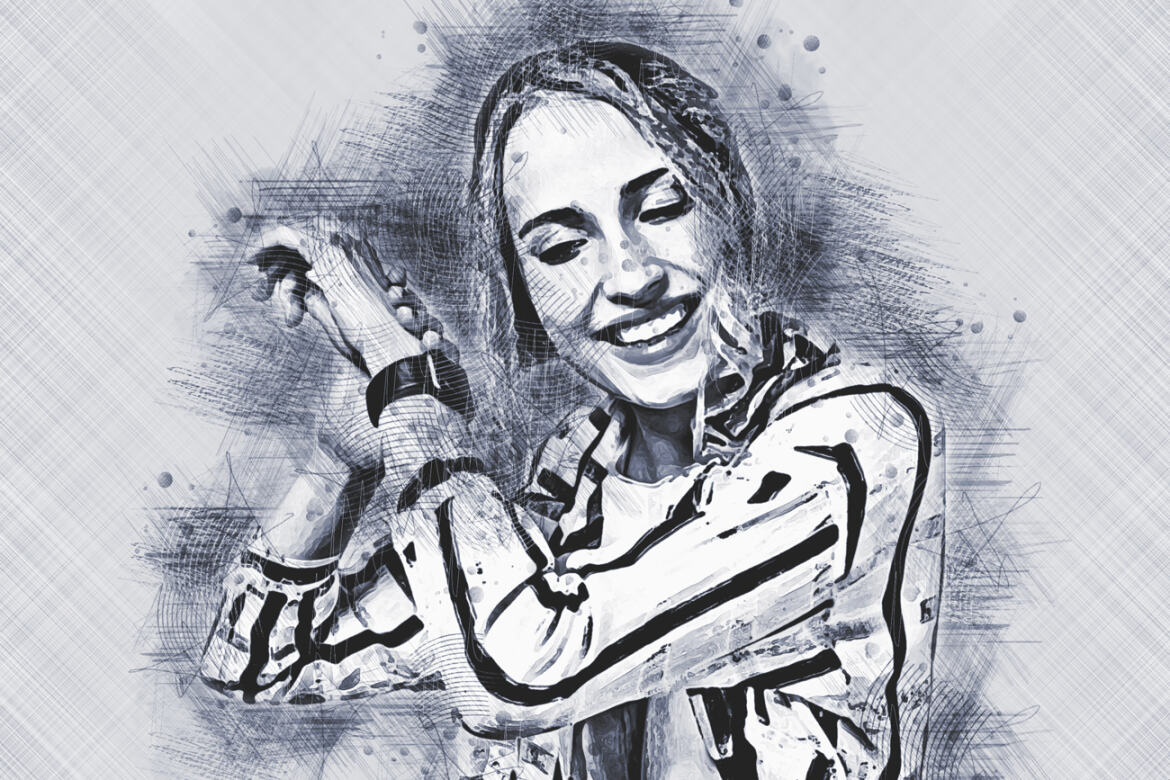
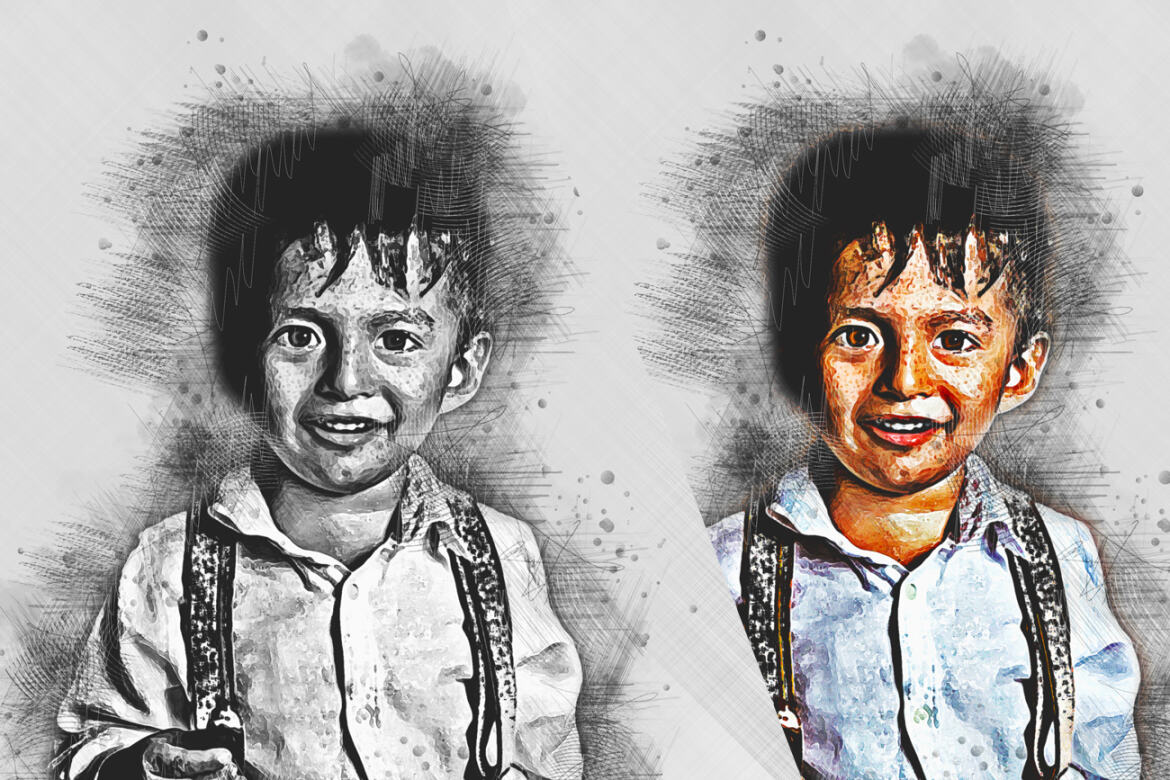
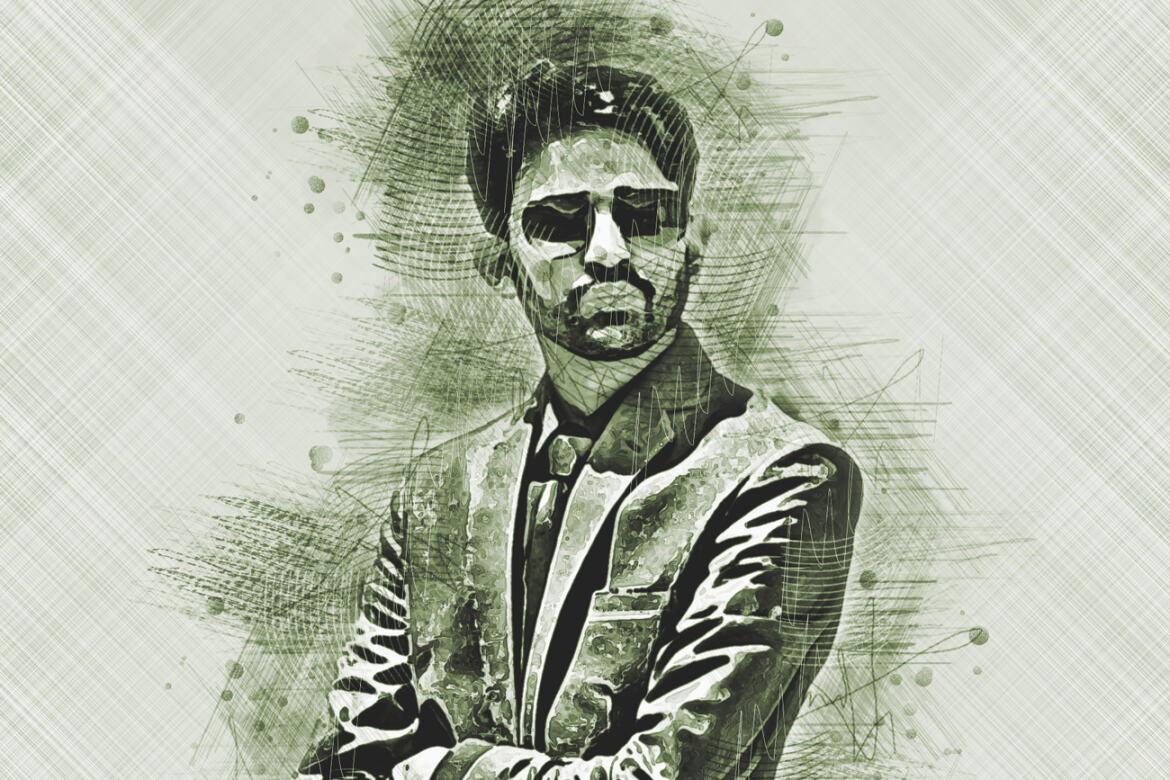
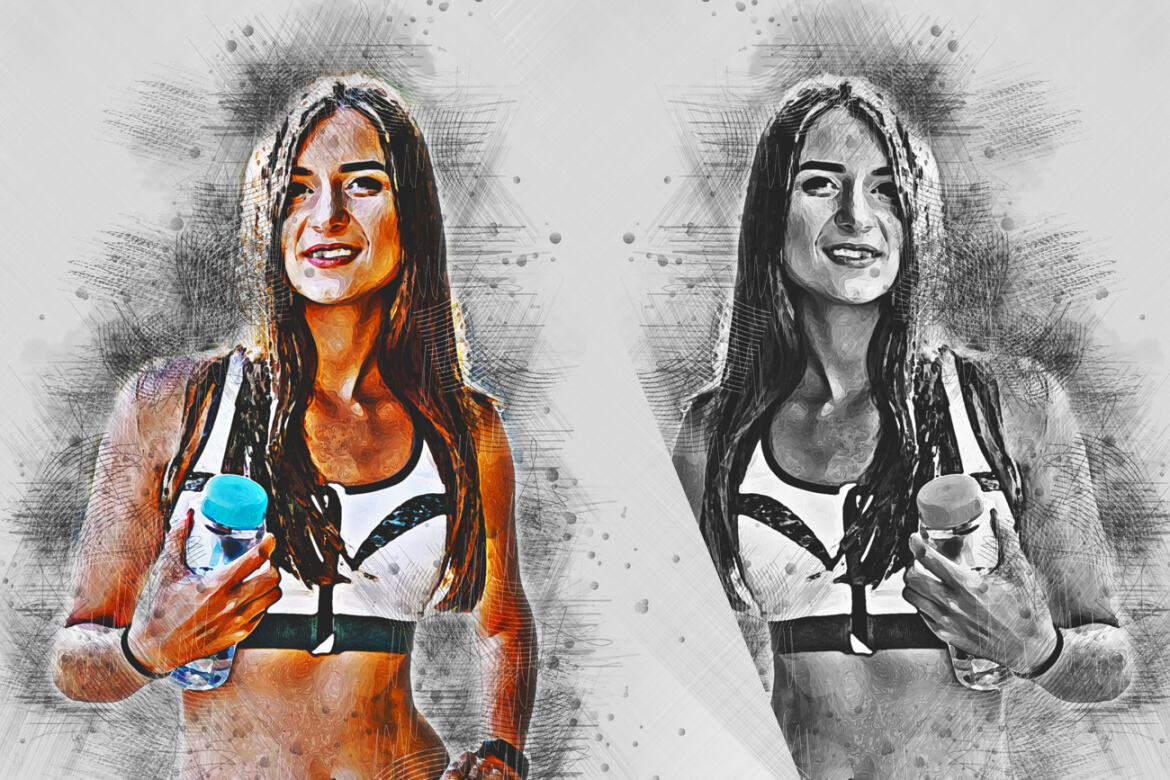
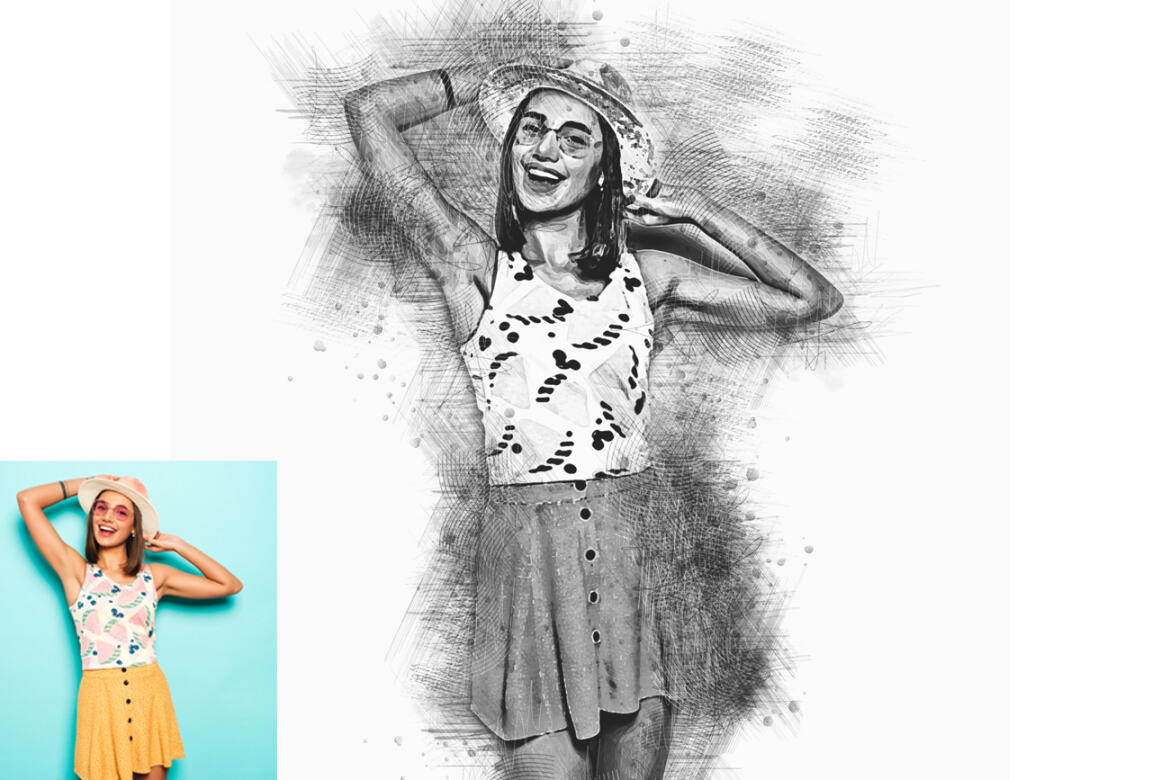
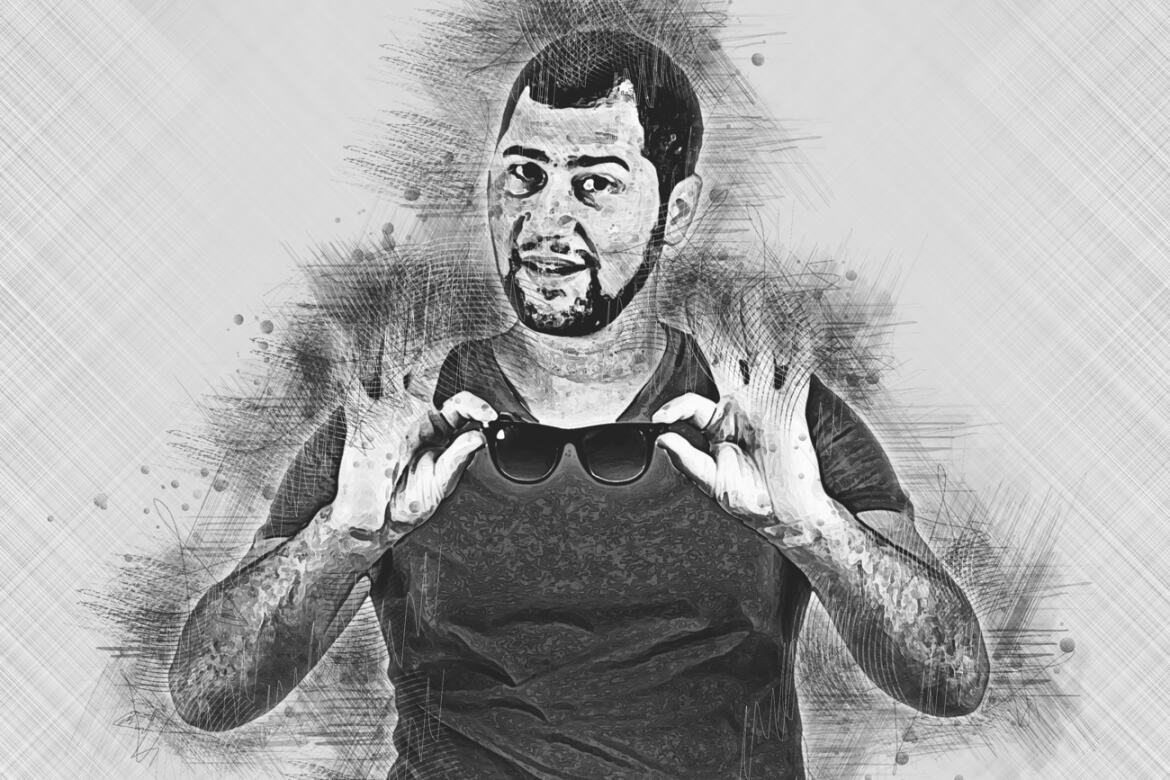
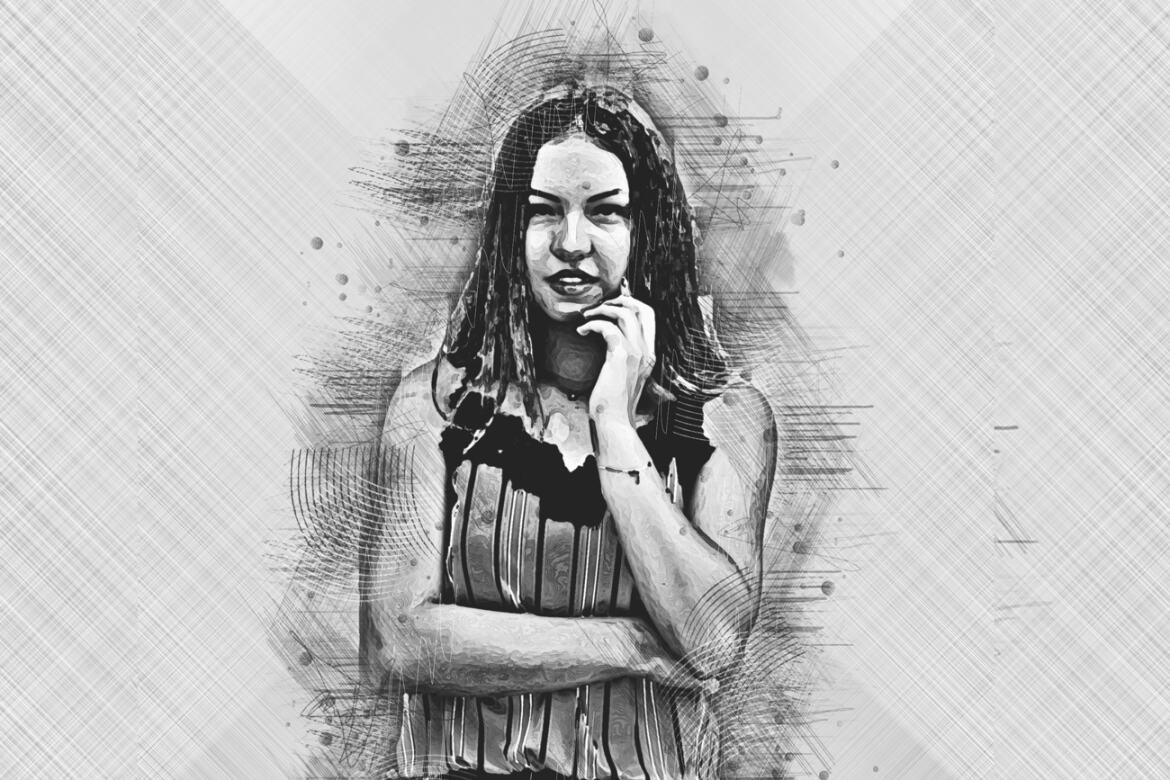
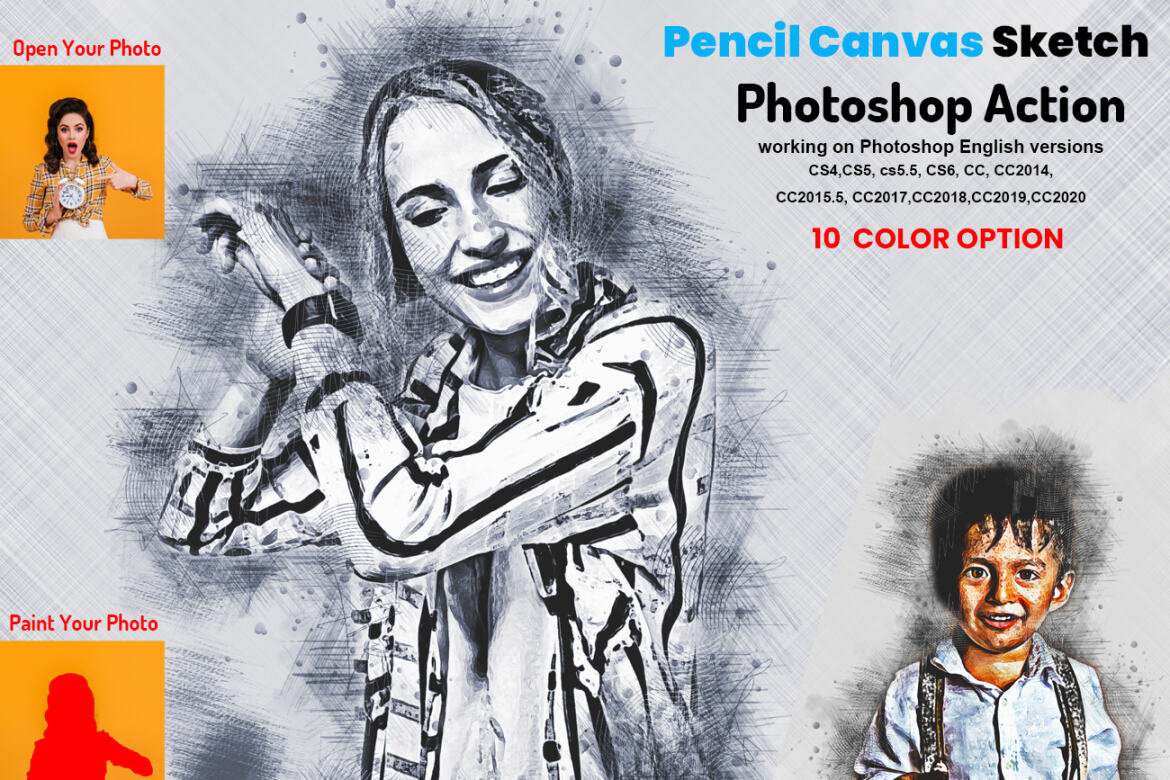
This action is designed to transform your photo’s into real Pencil Canvas Sketch look. With this is professional pack you may turn your ordinary photos into extraordinary images. Easy to customize, Non-destructive effect. In this action you well get 10 different color option when you open unviewed eye. You can change color very easily.
This action has been tested and working on Photoshop (English versions) CC2020 English Version.
Software supported version:CS5.5 ,CS6,CC2014,CC2015,CC2015.5,CC2016, CC2017,CC2018,CC2019,CC2020+ English Version.
Most important instruction:
(1) First You need resize your images 2000x3000px dpi 72
(2) Open your photo take a new layer then rename “paint”( in lowercase). Then select a brush and paint your image. Close "paint" layer eye and keep selection "paint" layer Then click action play button.
File Includes:
-
Photoshop ATN Files include(Photoshop Action File)
-
Brush File
-
10 Different Color option
-
Help File
-
PDF Help File
-
Work on every photos.
-
High quality result.
-
Easy Customizable
-
Organize layers
-
Easy Install
-
User Guide
-
Easy to Use
-
24 hrs support
Image Size: 2000x3000 DPI 72
Additional
- 10 different color option
- high quality result
Download Options
Join Pro Membership and access all the resources and unlimited downloads.

Share Resource
Related Resources
You might also like these hand-picked assets from the same category.
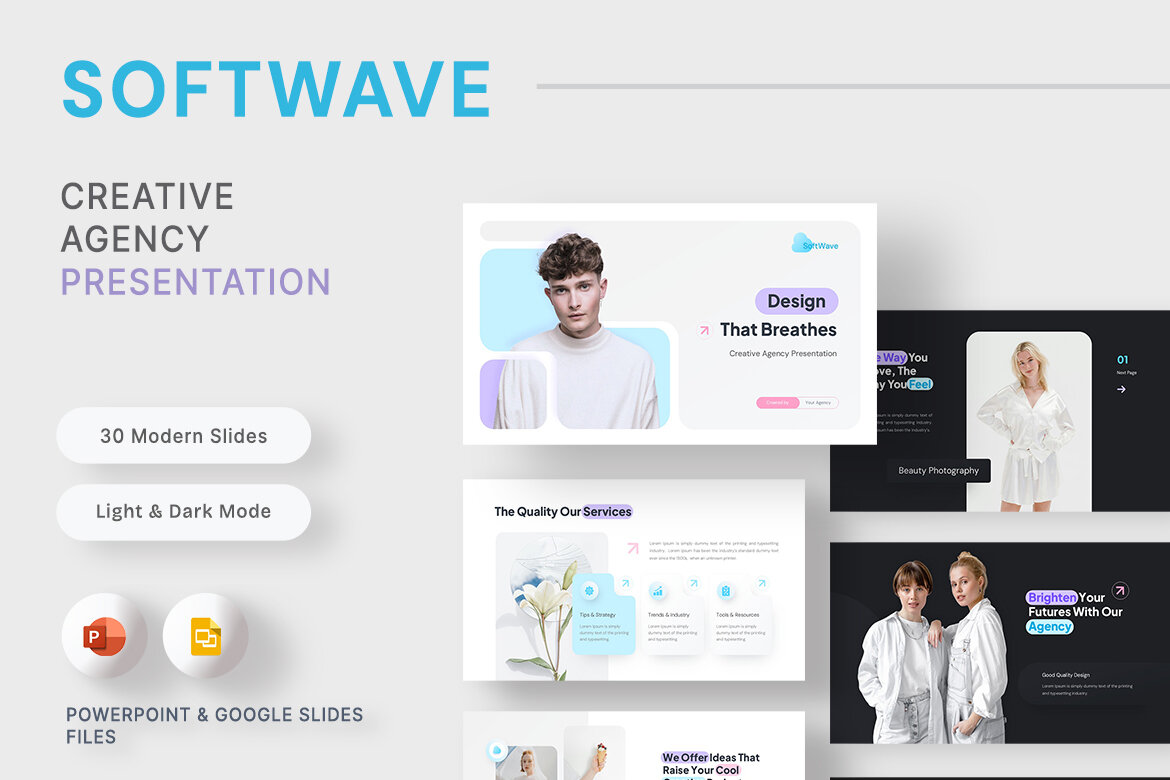
SoftWave - Creative Agency Presentation Template
by New Coral Design
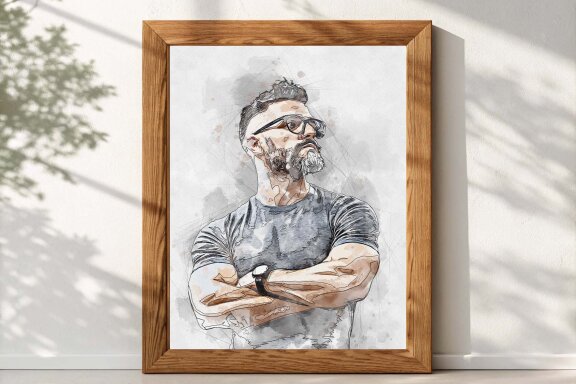
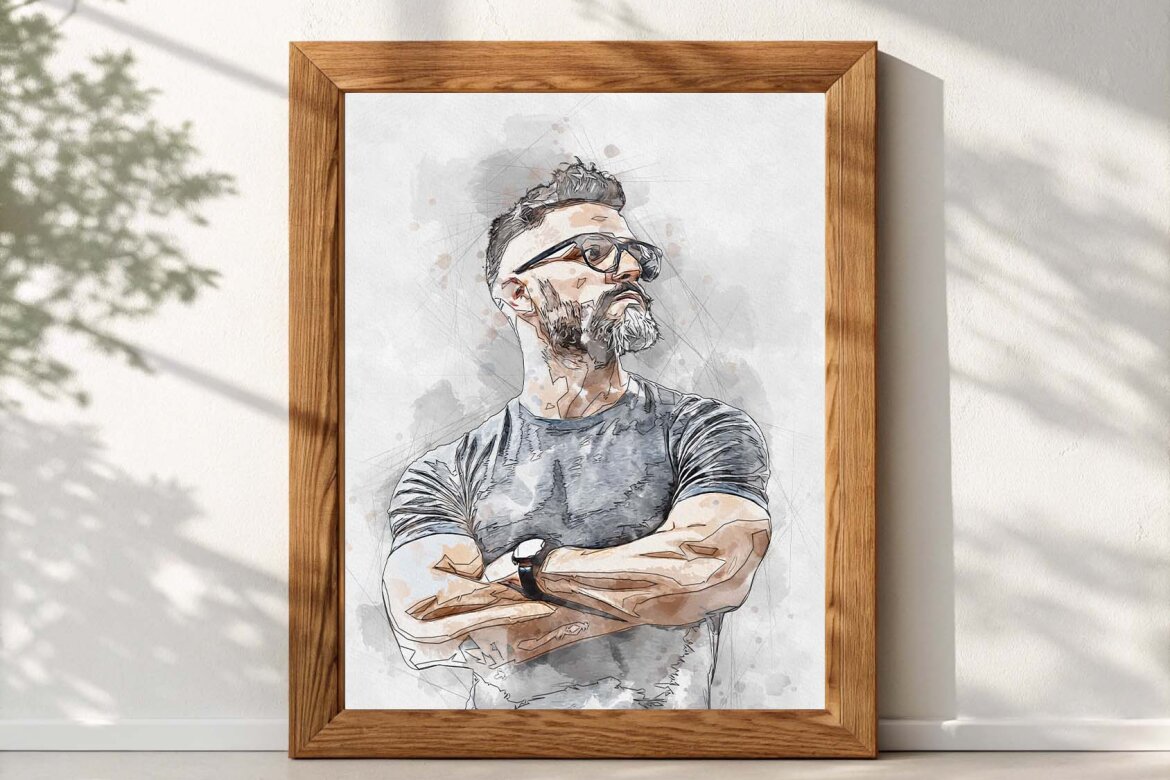
Canvas Watercolor Art - FREE Template
Freeby Md Khokon
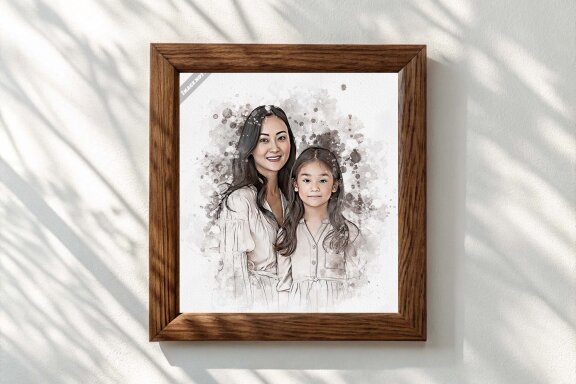
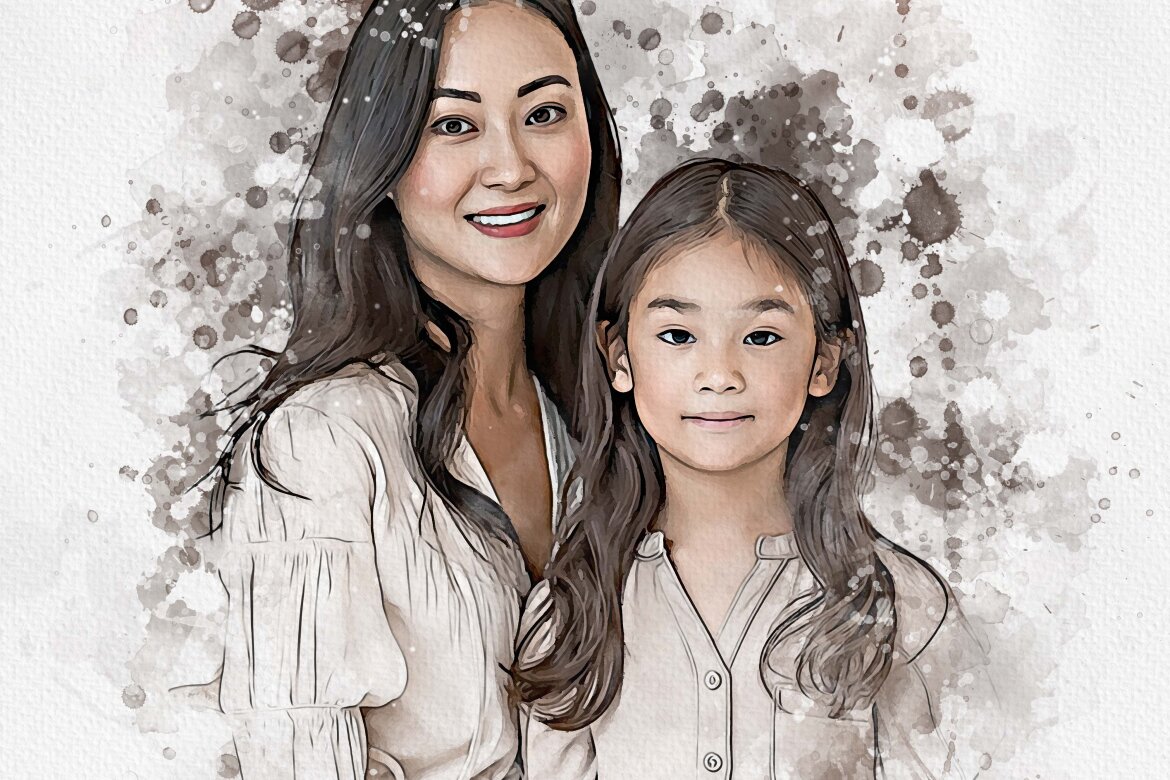
Watercolor Family FREE Template
Freeby Md Khokon
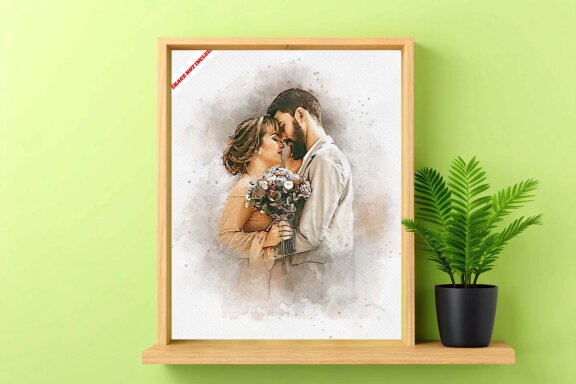
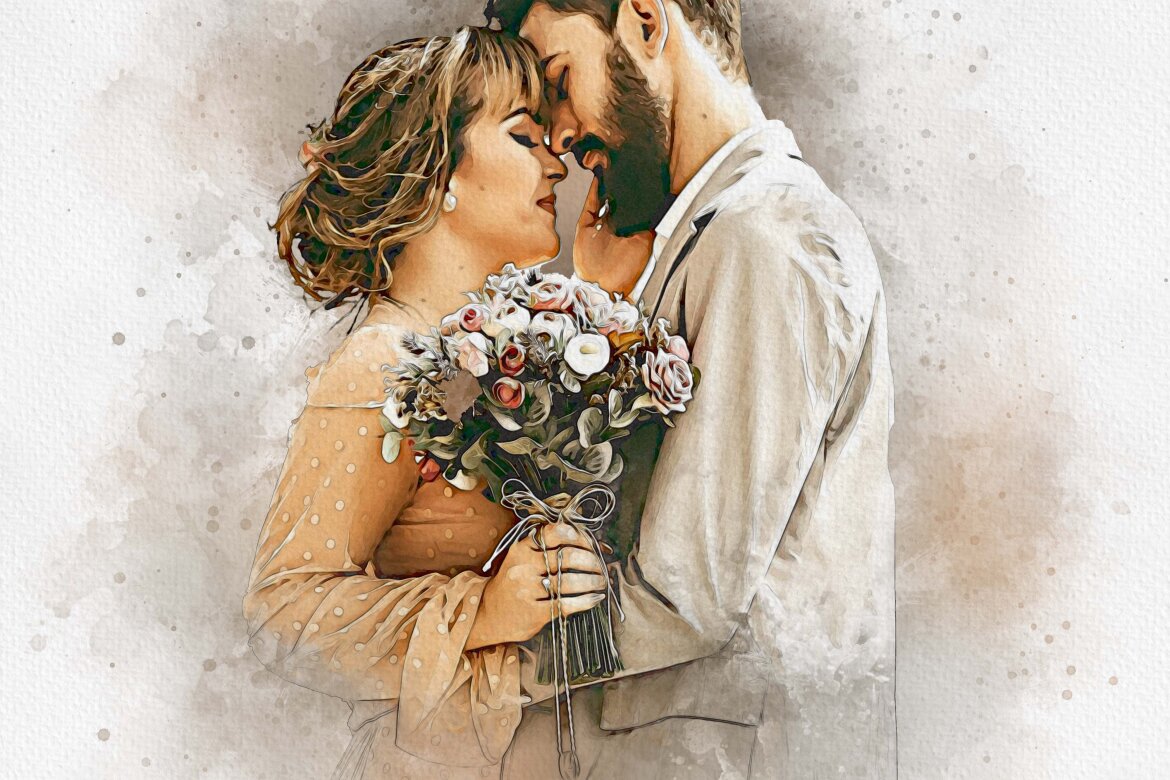
Expressive Watercolor FREE Template
Freeby Md Khokon
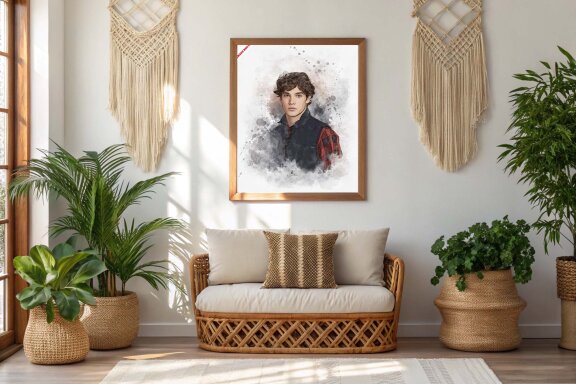
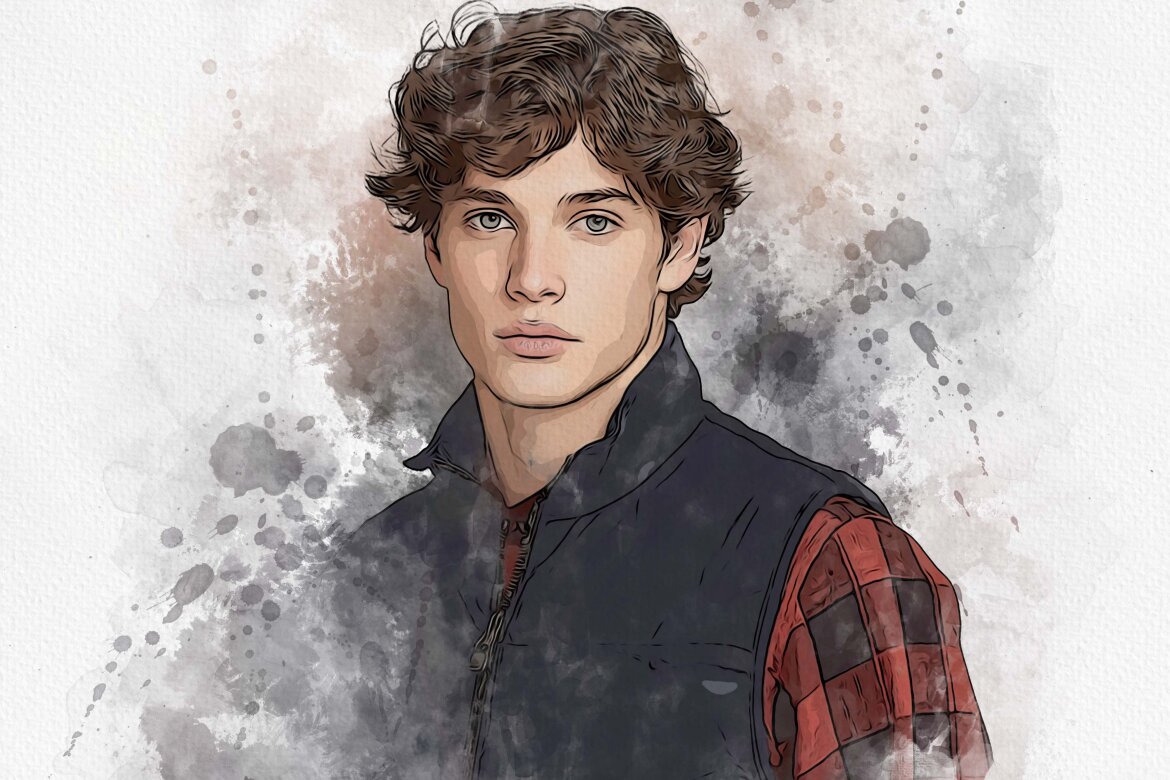
Pastel Brush Canvas - FREE Mockup
Freeby Md Khokon
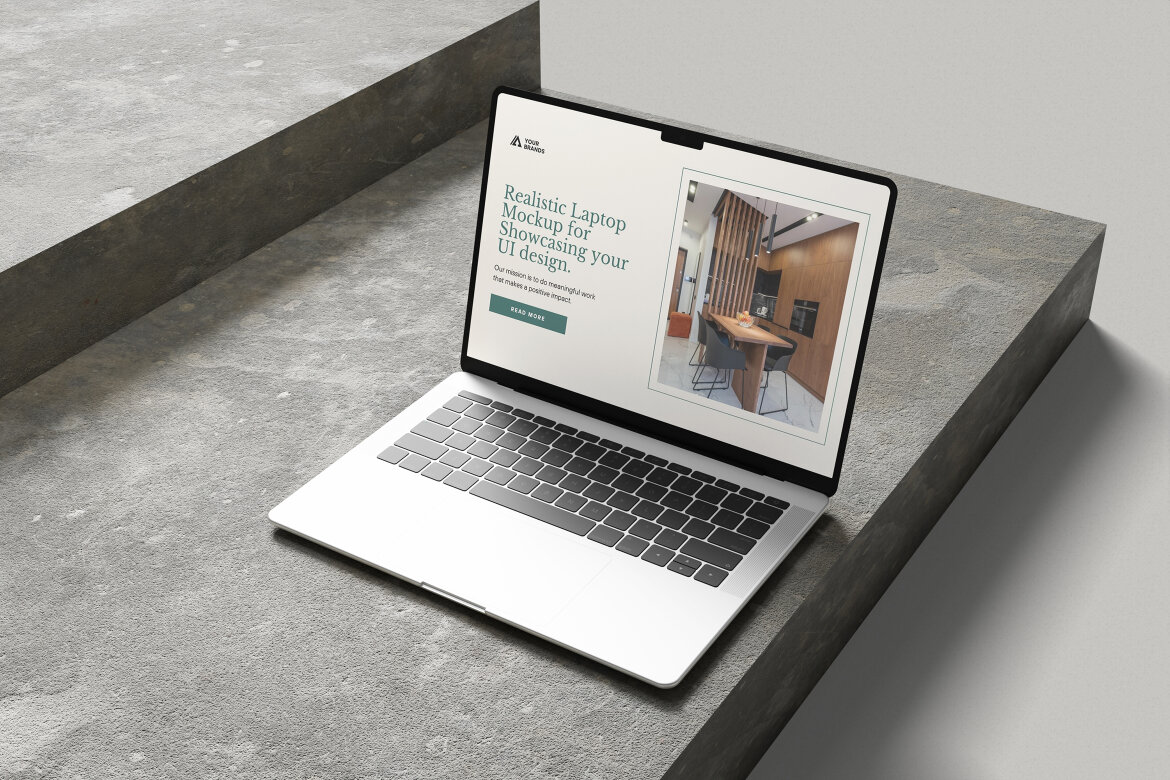
Laptop Mockup for UI Design Presentation
Freeby My Code Std
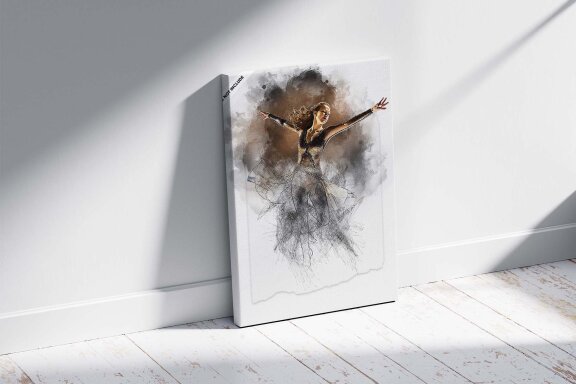
Watercolor Pencil Art FREE Template
Freeby Md Khokon
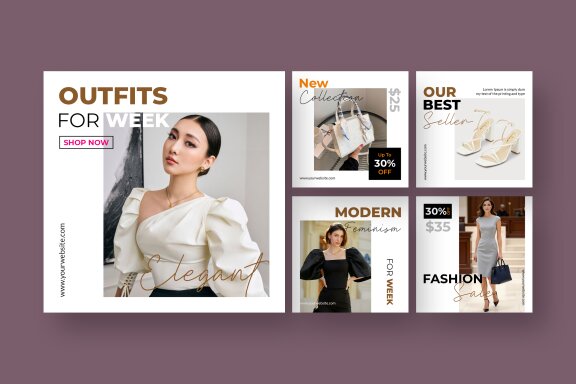
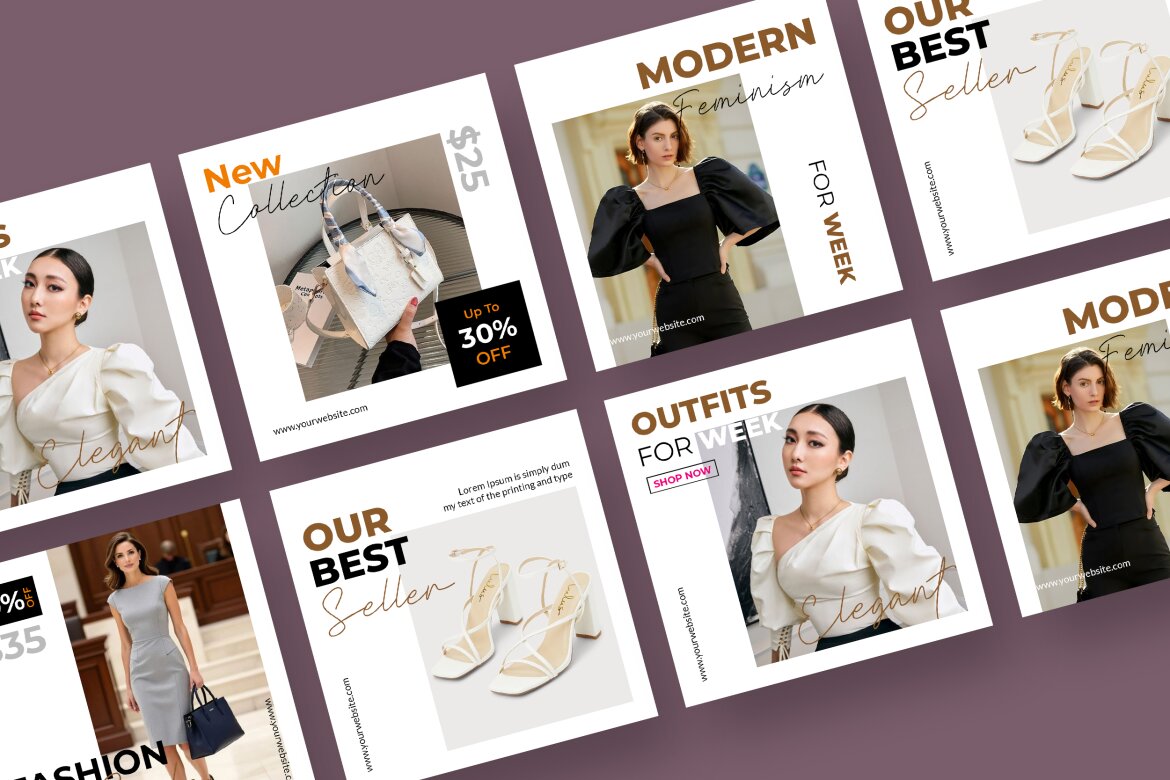
Fashion - FREE Instagram Post Templates
Freeby Unicode Studio


Safari Birthday Invitation FREE Canva Template
Freeby vectorlab2025