




Description
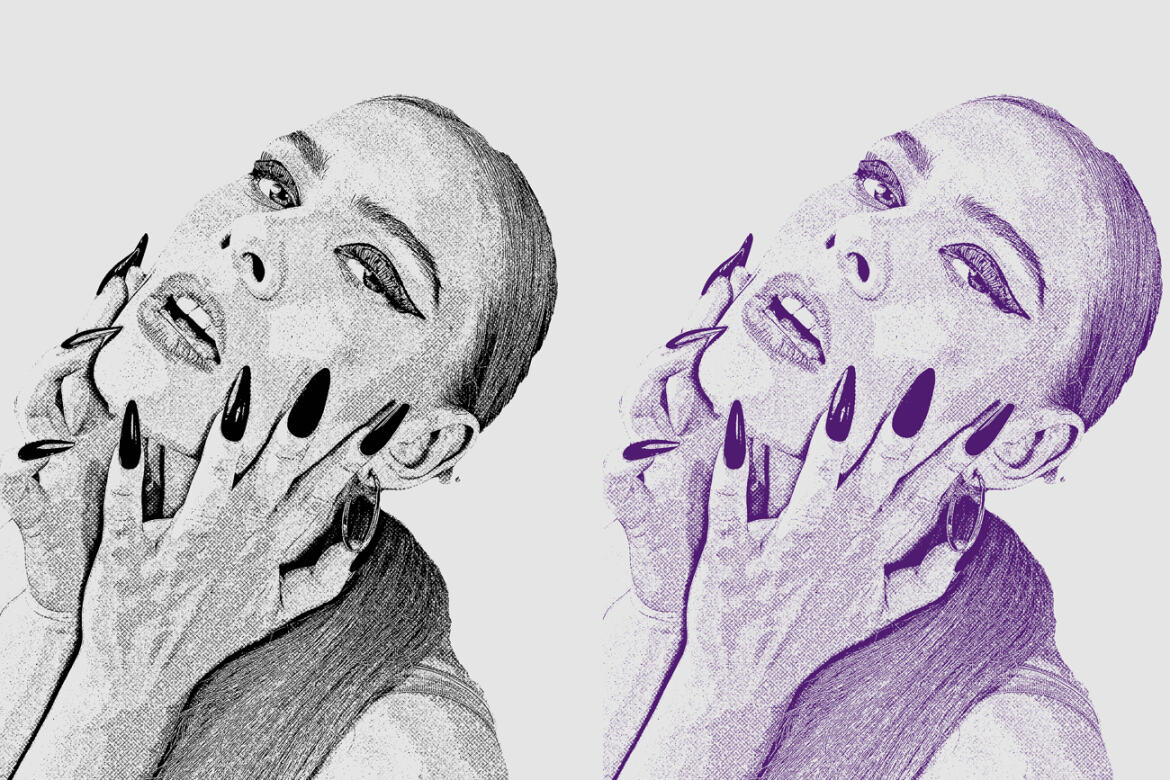
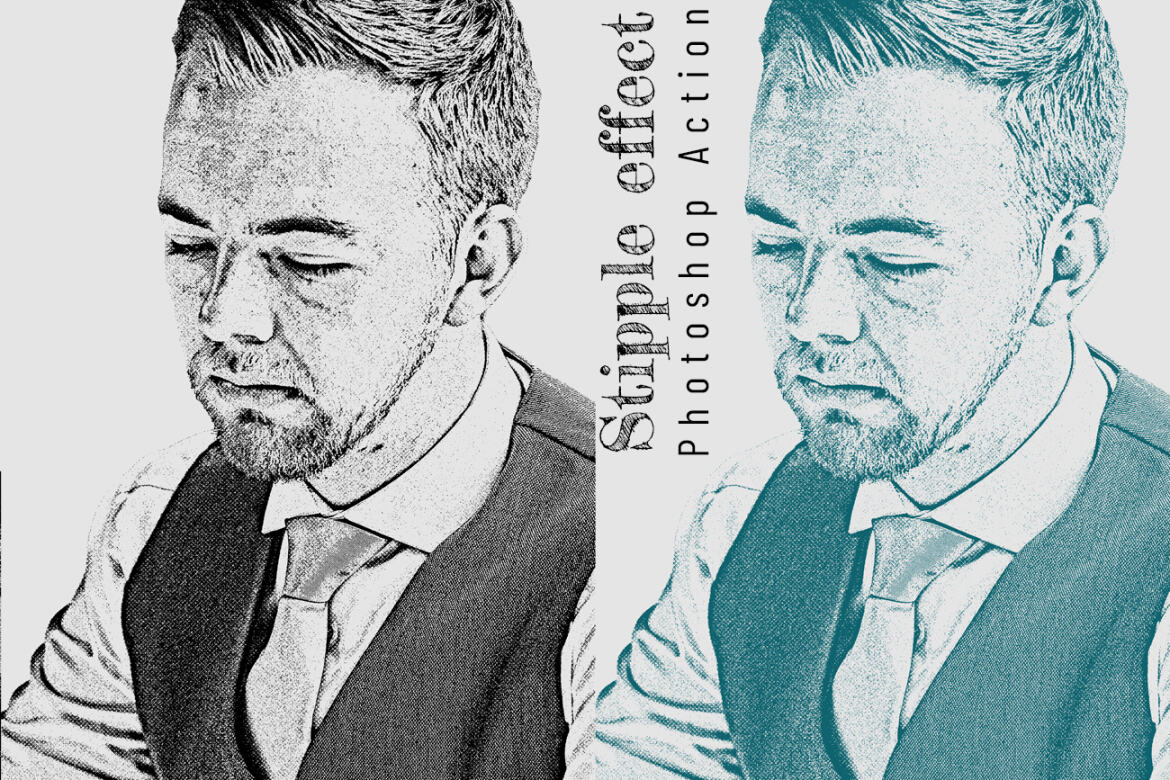
Stipple Effect Photoshop Action
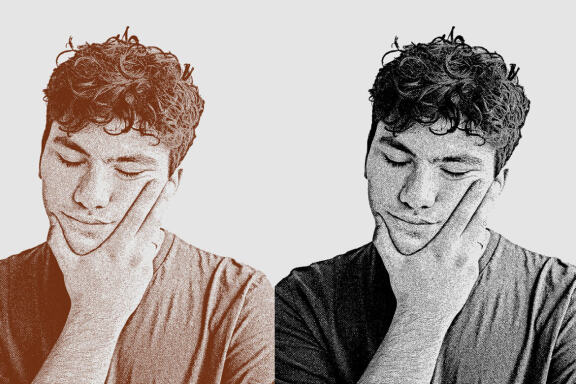
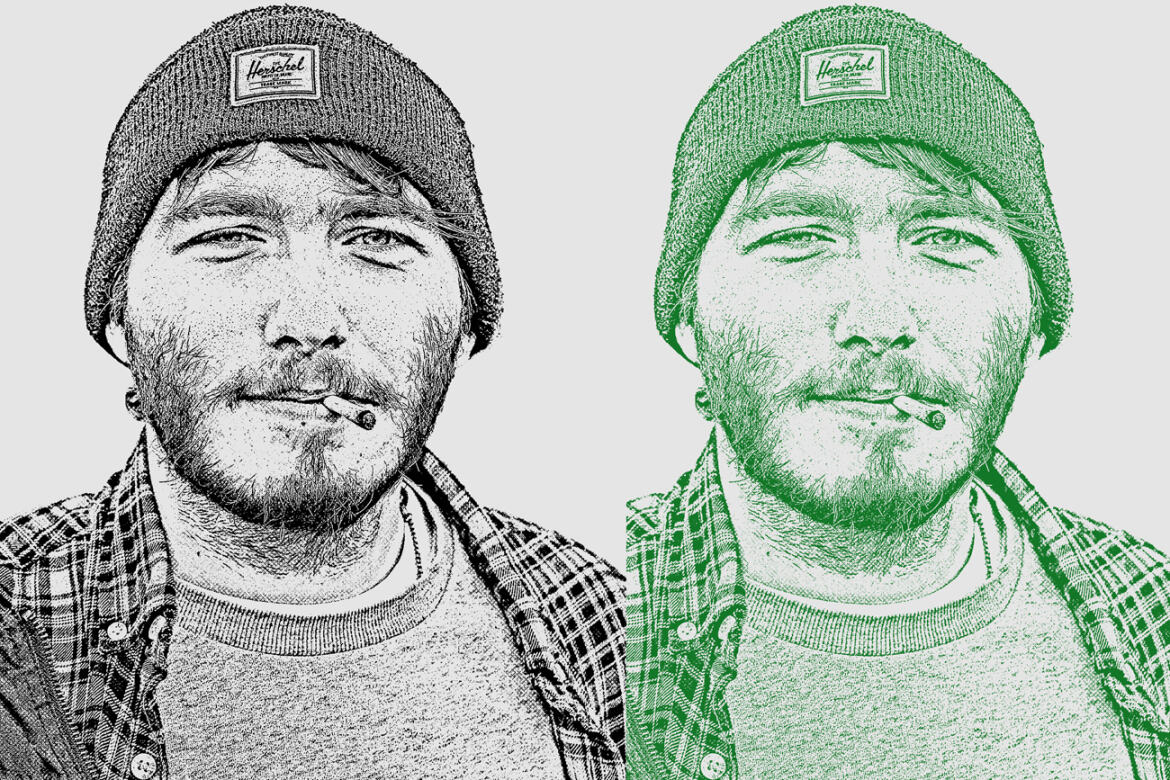
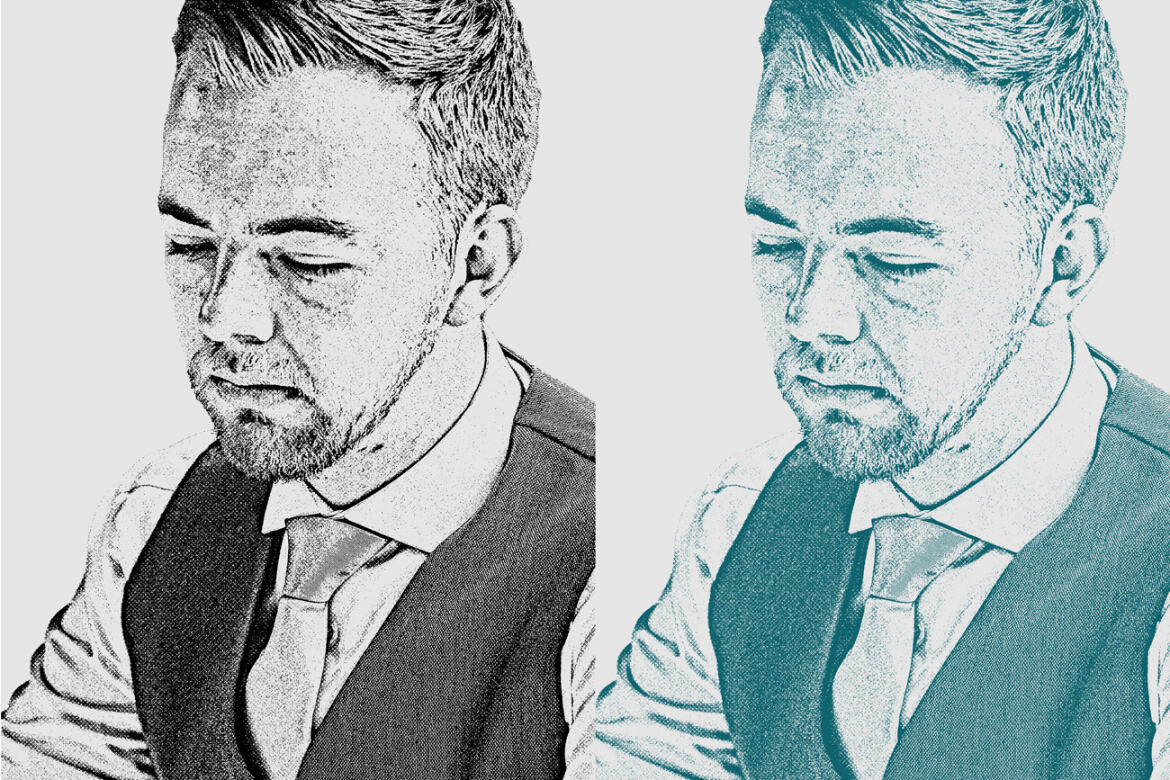
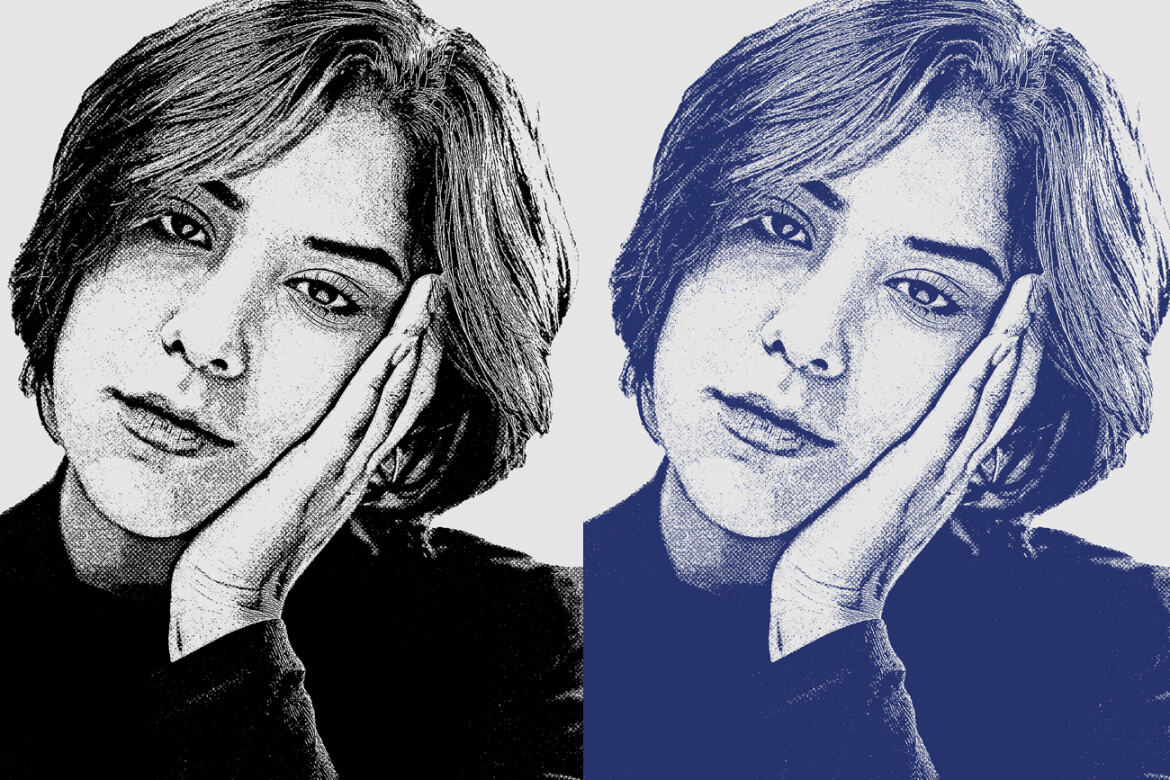
This Stipple Effect Photoshop Action are perfect for photographers and designers. It’s enhances and adds more beautiful to images. It will help you to stunning your images to make unique and awesome looks. This set contains 10 Different Color option when you open unviewed eyes.
My Working Software Version : CC2020 English Version. Software supported version: CS4,CS5, CS5.5, CS6, CC, CC2014,CC2015, CC2015.5,CC2016, CC2017,CC2018,CC2019,CC2020+English Version.
Most important instruction:
Open your photo take a new layer then rename “paint”( in lowercase). Then select a soft brush and paint your image. Close "paint" layer eye and keep selection "paint" layer Then click action play button.
File Includes:
-
ATN File(Photoshop Action File included)
-
10 Different Color option
-
Help File
-
PDF Help File
-
Work on every photos.
-
High quality result.
-
Easy Customizable
-
Organize layers
-
Easy Install
-
User Guide
-
Easy to Use
-
24 hrs support
Note: Preview images and Mockup are not included
Images Recommended : I use images 2000x3000px or 3000x2000px dpi 300
Additional
- 10 different color option
- high quality result.
Download Options
Join Pro Membership and access all the resources and unlimited downloads.

Share Resource
Related Resources
You might also like these hand-picked assets from the same category.


Teamframe - HR Pitch Deck Presentation
by New Coral Design
Crimson – Investor Deck Presentation
by New Coral Design

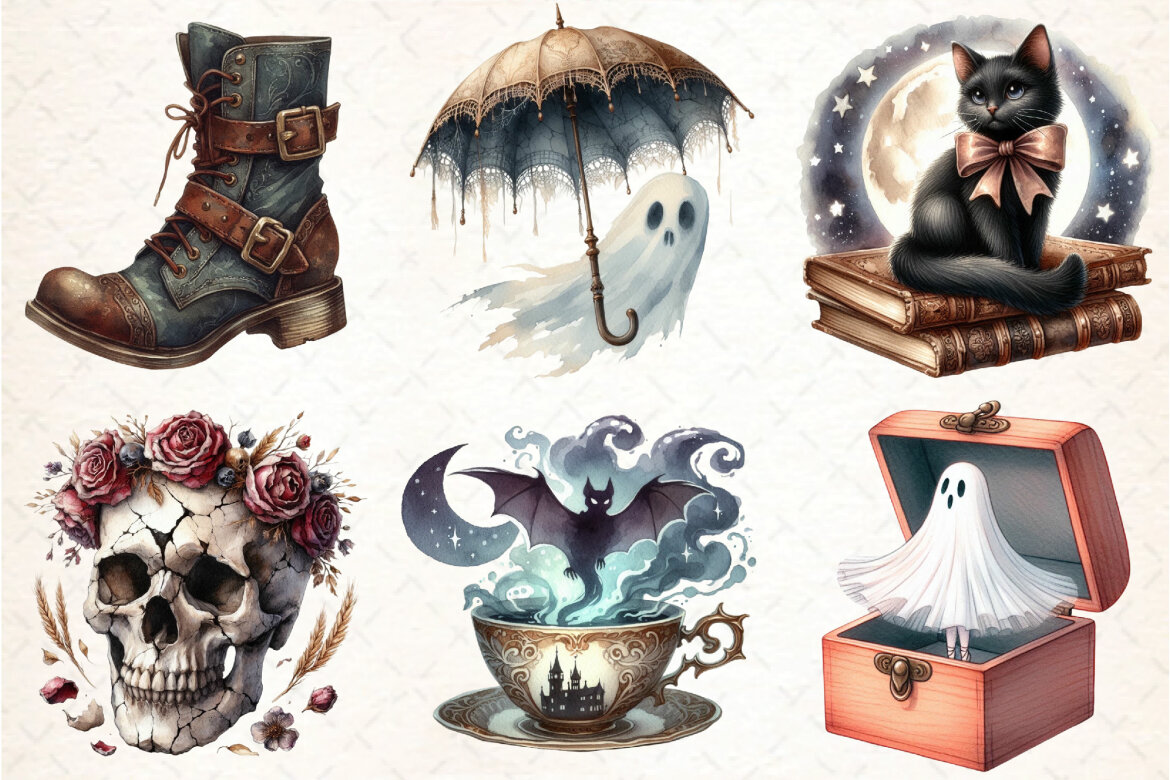
Antique Halloween FREE Sublimation Clipart
Freeby DreamCafeArt
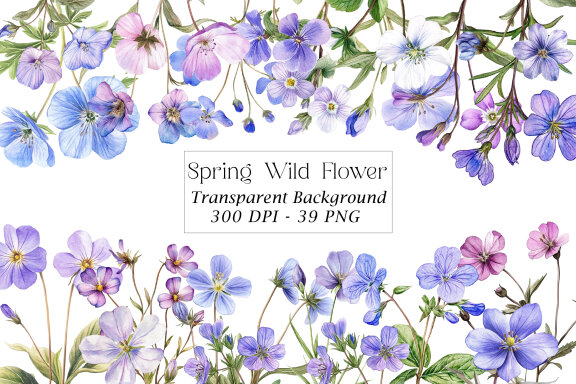
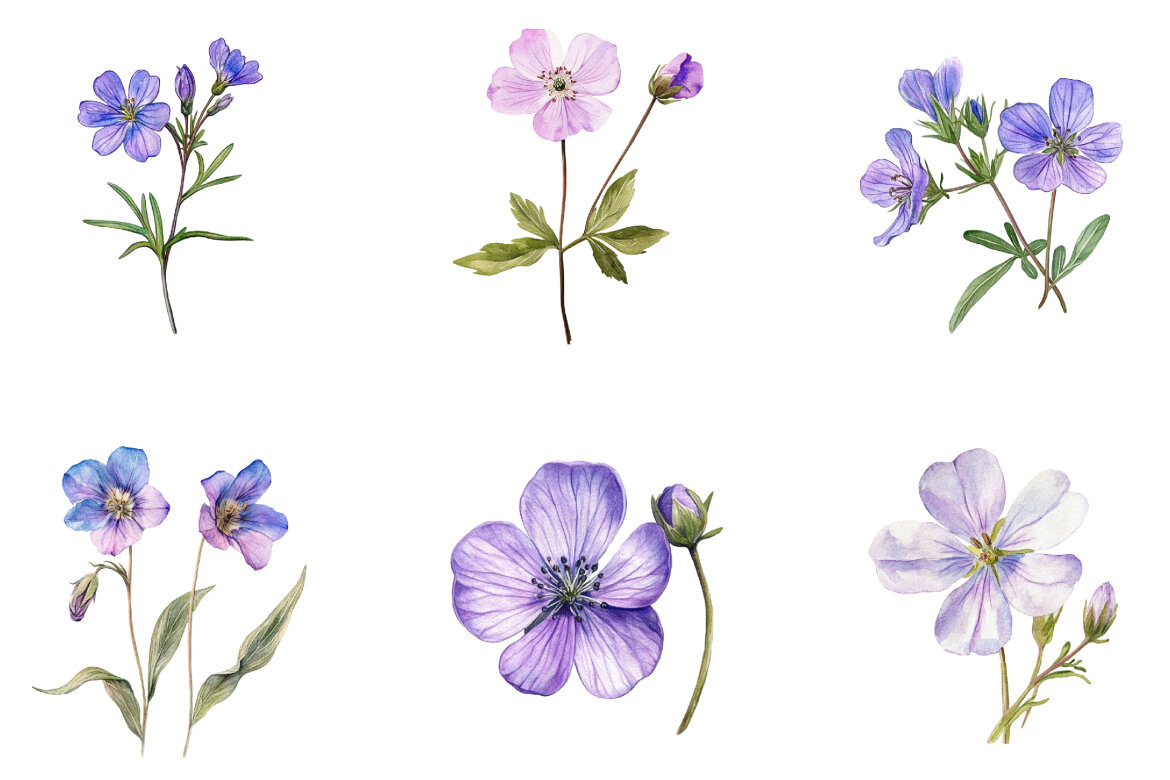
Spring Wild Flower FREE Clipart
Freeby Pixel Shop

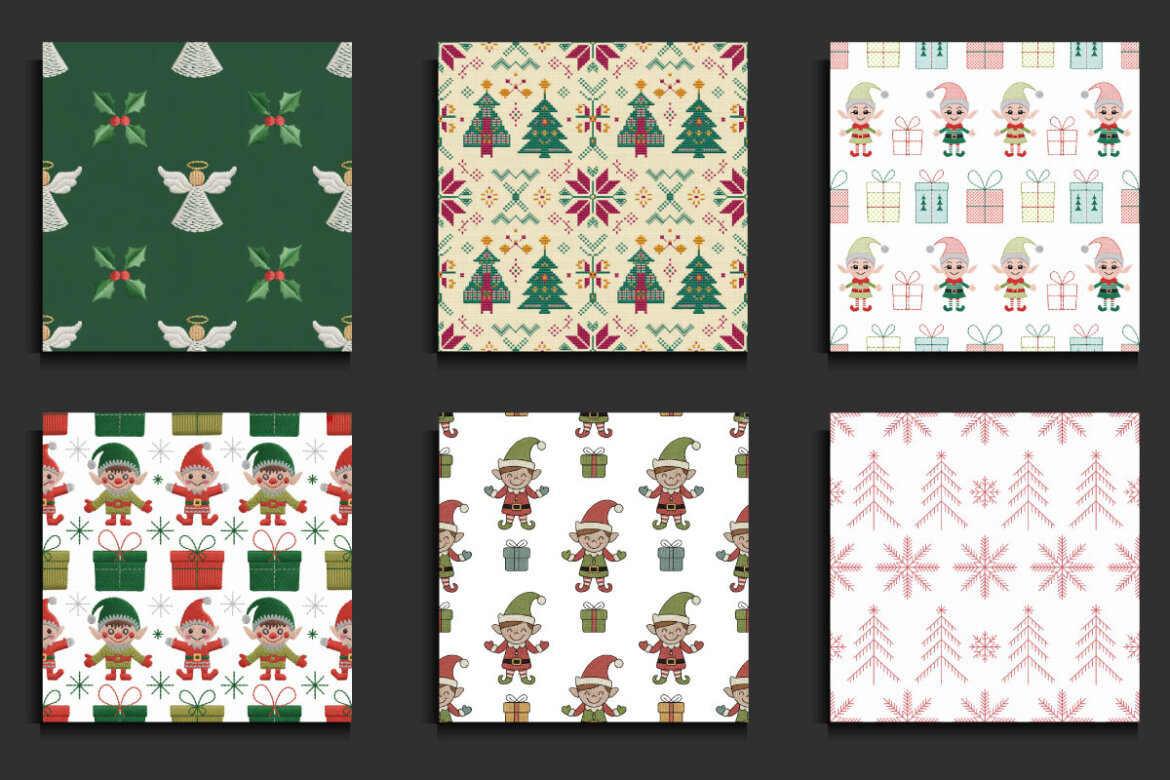
55 Christmas Embroidery FREE Seamless Patterns
Freeby protabsorkar11
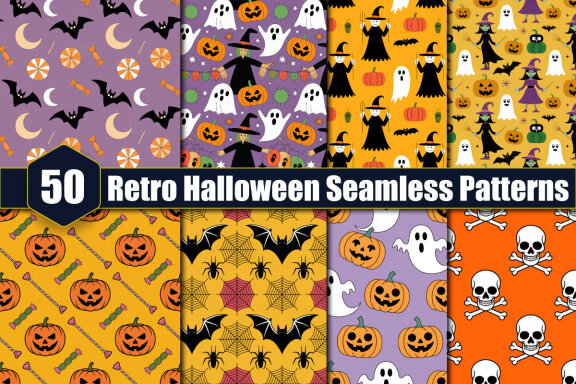
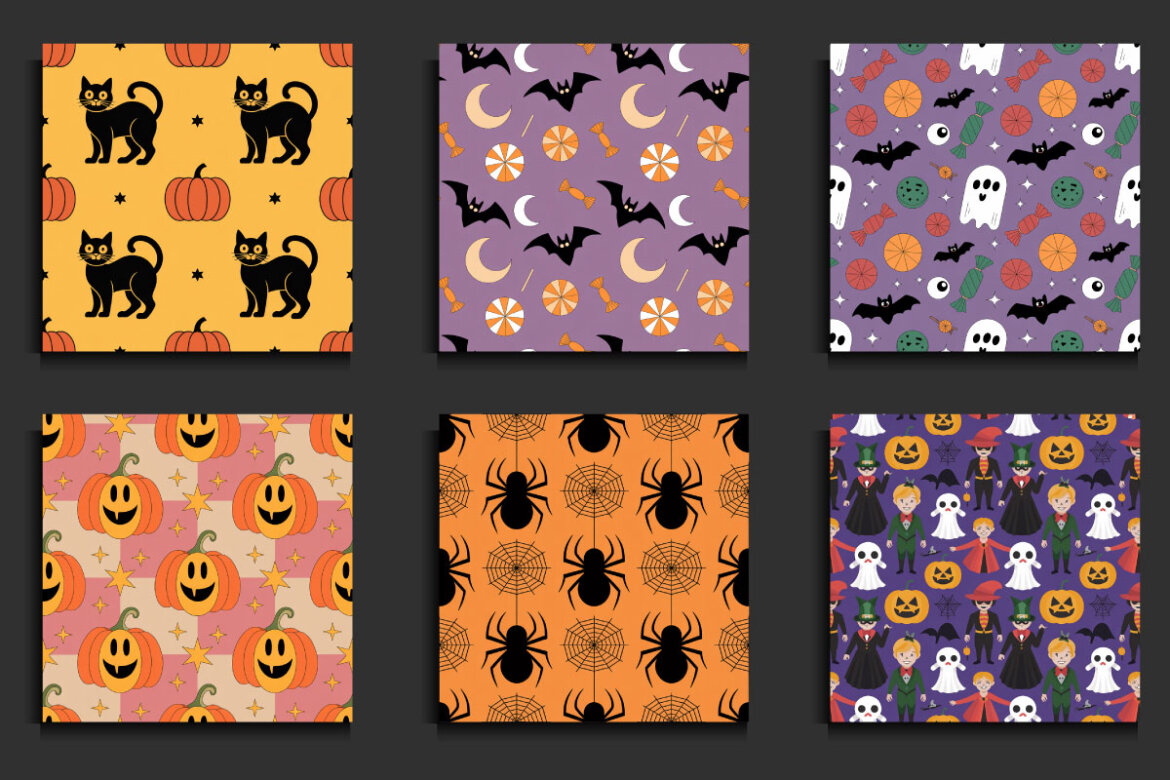
50 Retro Halloween Seamless FREE Patterns
Freeby protabsorkar11
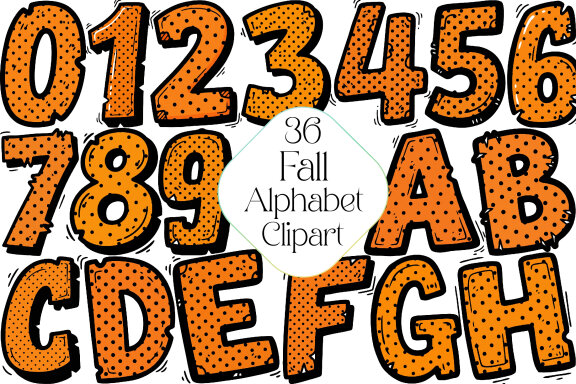
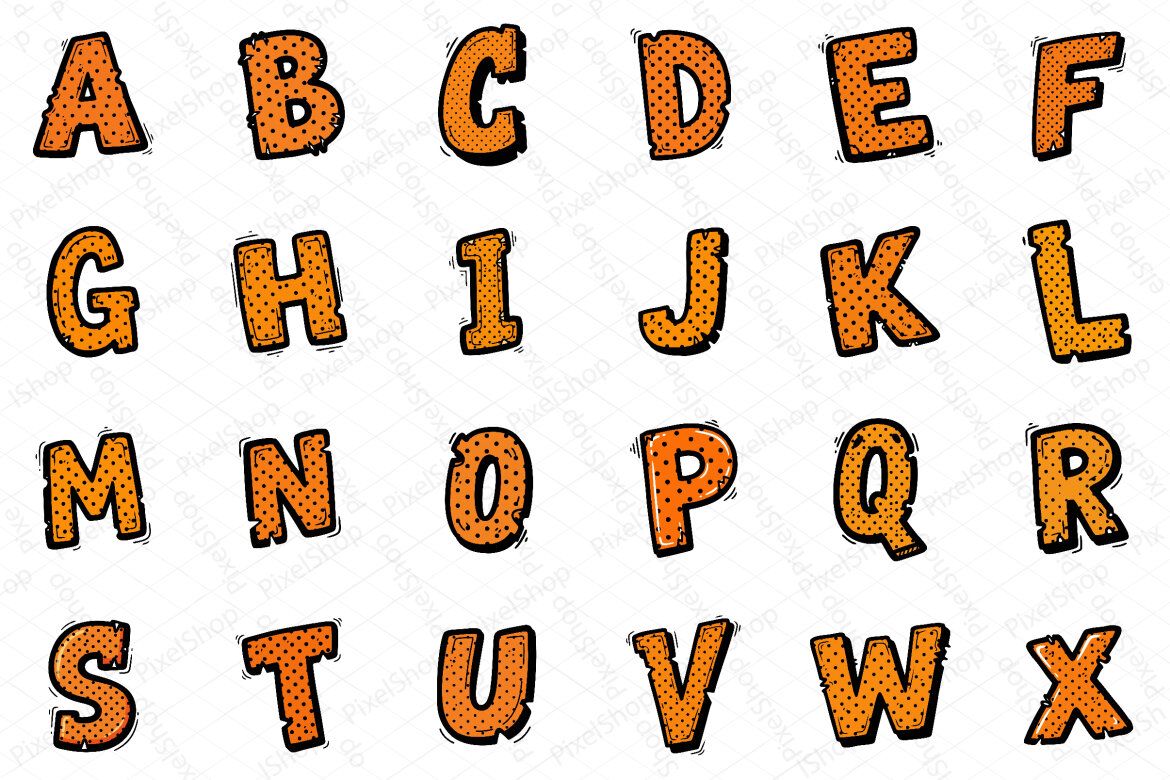
Fall Alphabet Sublimation FREE Clipart
Freeby Pixel Shop
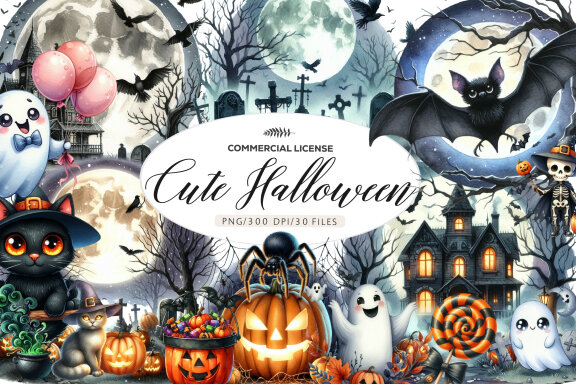
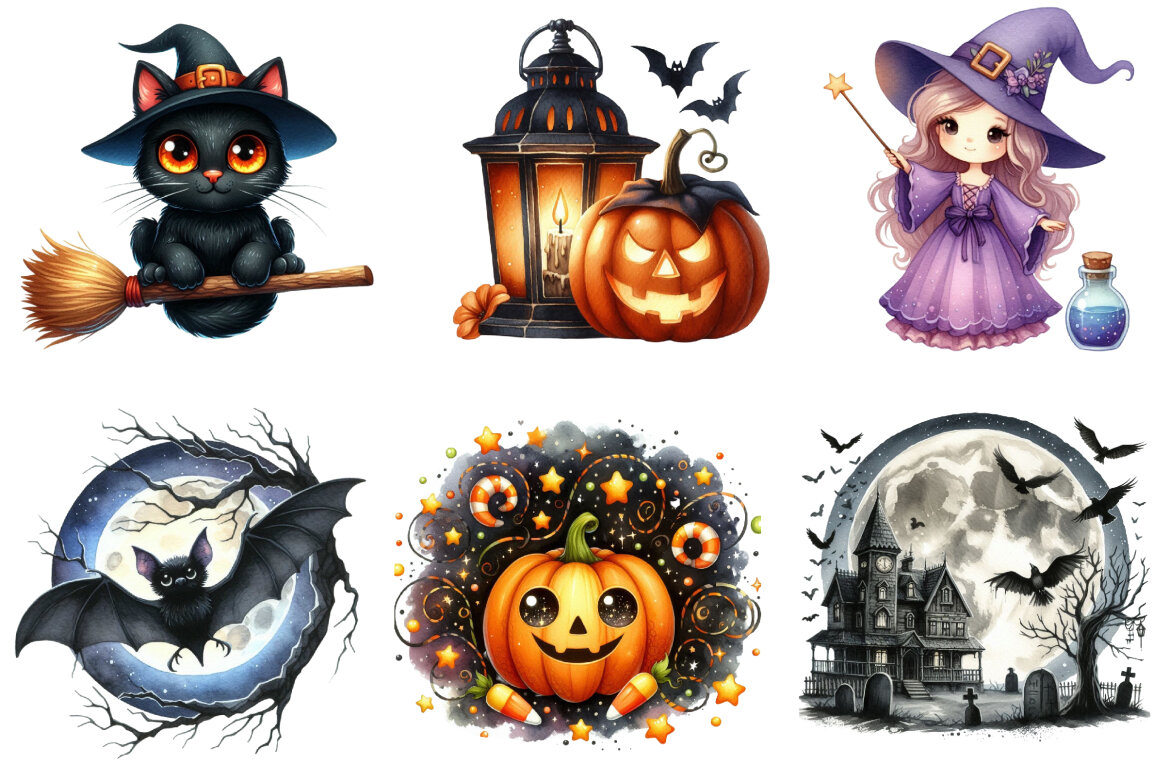
Watercolor Cute Halloween FREE Clipart
Freeby Dreamshop


Vintage Christmas Sublimation FREE Bundle
Freeby Dreamshop