Description
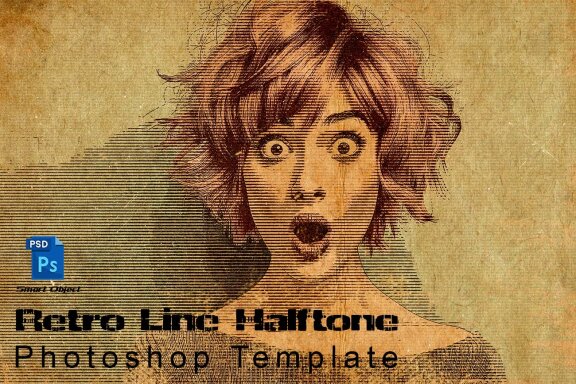
Retro Line Halftone Photoshop Template
First open the PSD file in Photoshop, In order to edit the file you need to double click Smart Object layer called "Your Image Place Here" then place your image then save Ctrl+S. Enjoy the result . It is very easy to use.
Included Files:
-
PSD Smart Objects
-
Help file
-
Resolution 3000 x 2000 with 72 DPI
-
High resolution
-
Easy to edit
-
Well organized files
Additional
- psd smart objects
- resolution 3000 x 2000 with 72 dpi
Download Options
Join Pro Membership and access all the resources and unlimited downloads.

Share Resource
Related Resources
You might also like these hand-picked assets from the same category.
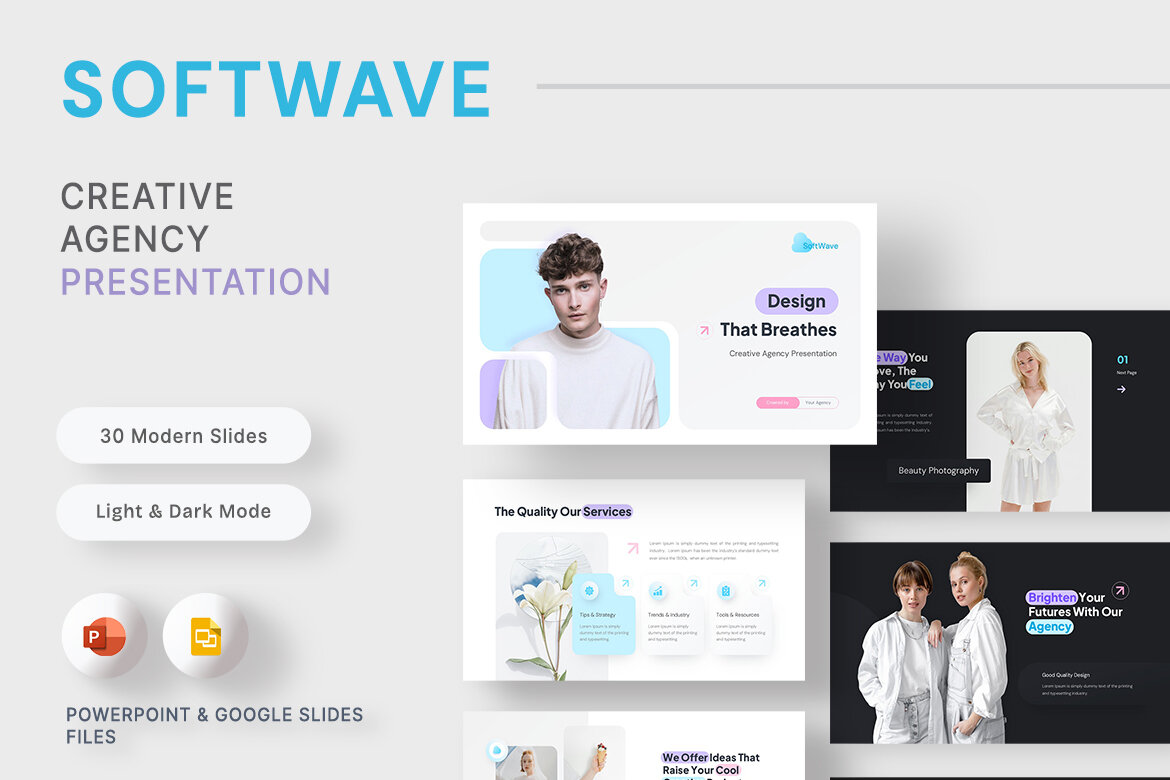
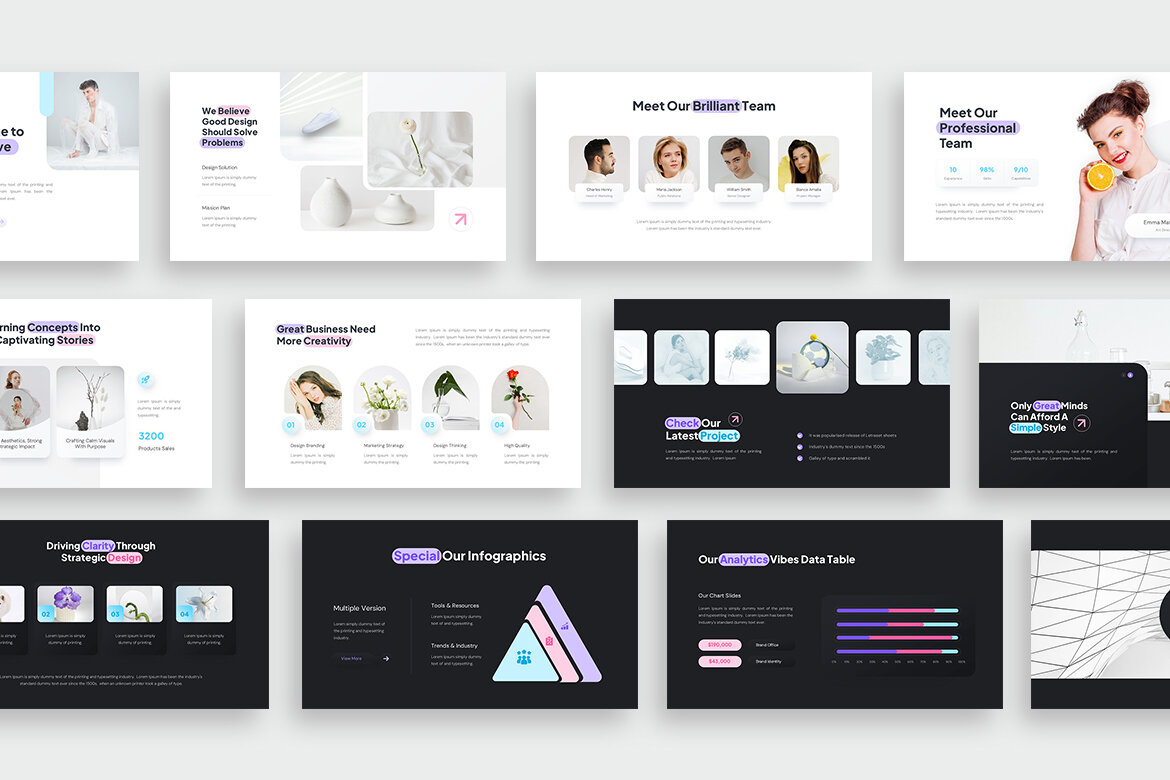
SoftWave - Creative Agency Presentation Template
by New Coral Design
Featured
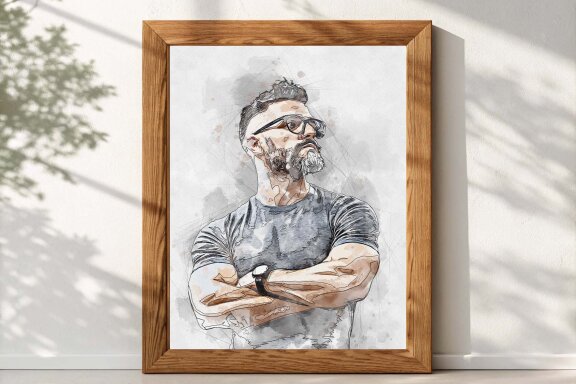
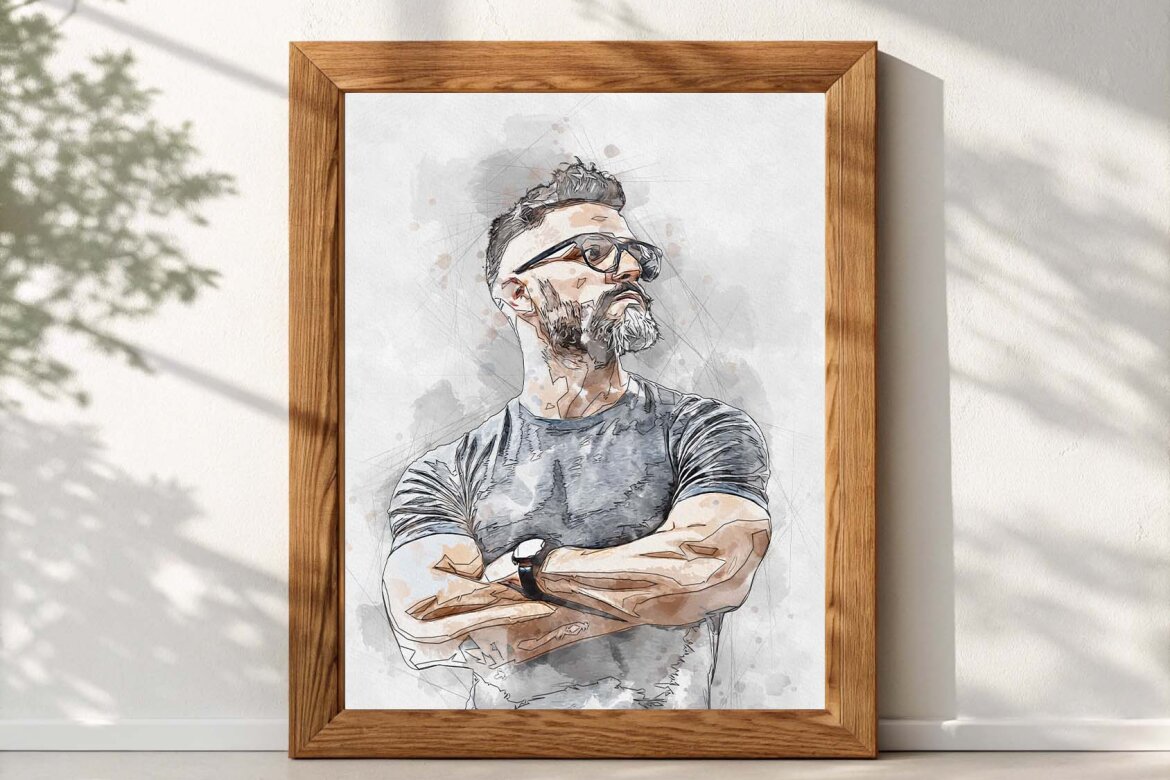
Canvas Watercolor Art - FREE Template
Freeby Md Khokon

Featured
Watercolor Family FREE Template
Freeby Md Khokon


Featured
Expressive Watercolor FREE Template
Freeby Md Khokon


Featured
Pastel Brush Canvas - FREE Mockup
Freeby Md Khokon
Featured
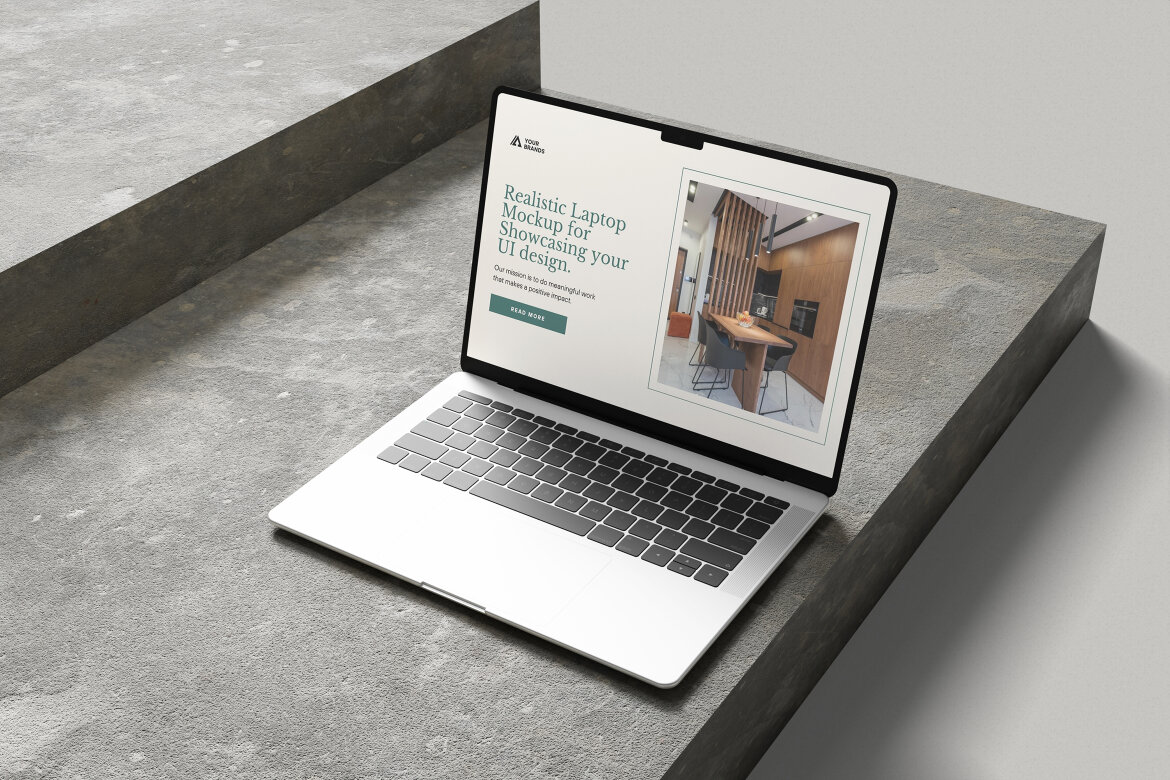
Laptop Mockup for UI Design Presentation
Freeby My Code Std

Featured
Watercolor Pencil Art FREE Template
Freeby Md Khokon

Featured
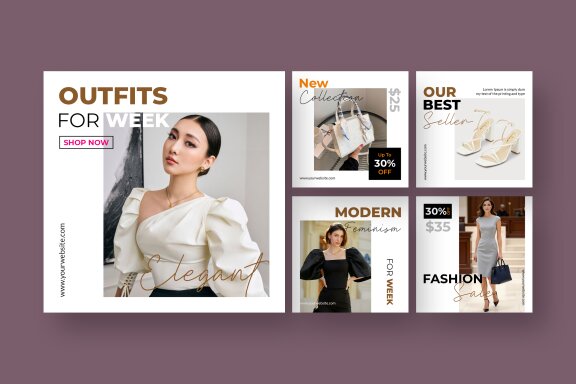
Fashion - FREE Instagram Post Templates
Freeby Unicode Studio


Featured
Safari Birthday Invitation FREE Canva Template
Freeby vectorlab2025